随心 Whimsy app 图标 / Whimsy app icon 随心WhimsyWhimsy随心

收藏本该统一轻松 Saving should be unified and effortless.

一键收下,需要时随手取出。借助大语言模型的通用理解能力,这件事如今水到渠成。 One tap to save, easy retrieval when it matters. With the general understanding of large language models, that finally comes naturally.

问题The problem

「先存着,回头看。」
然后就没有然后了。
"I'll save it for later."
Later never comes.

散落各处Scattered everywhere

微信里一堆、浏览器书签一堆,相册和网盘里还有几堆,YouTube、X 里还躺着无数「稍后再看」。每个 app 都替你存了一点,却从来没有一个统一的地方——想把它们收到一处,根本无从下手。 A pile in WeChat, a pile of browser bookmarks, more in Photos and your cloud drive — plus countless "watch laters" on YouTube and X. Every app keeps a little of it, and none of them is the one place — gathering it all somewhere has never even been possible.
收完吃灰Saved, then shelved

存的那一刻觉得早晚有用,之后再也没有打开过。收藏夹安安静静躺在那里,落了一层又一层灰。 The moment you saved it, it felt useful someday. You never opened it again — the folder just lies there, gathering layer after layer of dust.

用时难找Gone when you need it

只记得「好像存过」,想不起在哪个 app、叫什么名字。翻了三个收藏夹、搜了五个关键词,最后还是重新上网找了一遍。 You remember saving it — just not where, or under what name. Three folders and five keywords later, you end up searching the web all over again.

攒不出价值Never adds up

几百条收藏只进不出:不会提醒你,不会回答你,不会变成你的知识,想分享给别人也难。攒得越多,越像一座只进不出的仓库。 Hundreds of saves go in and nothing comes out: they never remind you, never answer you, never become your knowledge — and they're a pain to share. The more you pile up, the more it looks like a warehouse with no exit.

功能Features

从收下到用上,全程替你打理。 From saving to using — tended all the way.

八件事,一件一件讲清楚。 Eight things, spelled out one by one.

01

收 · 什么都能收,从哪儿都能收Save — anything, from anywhere

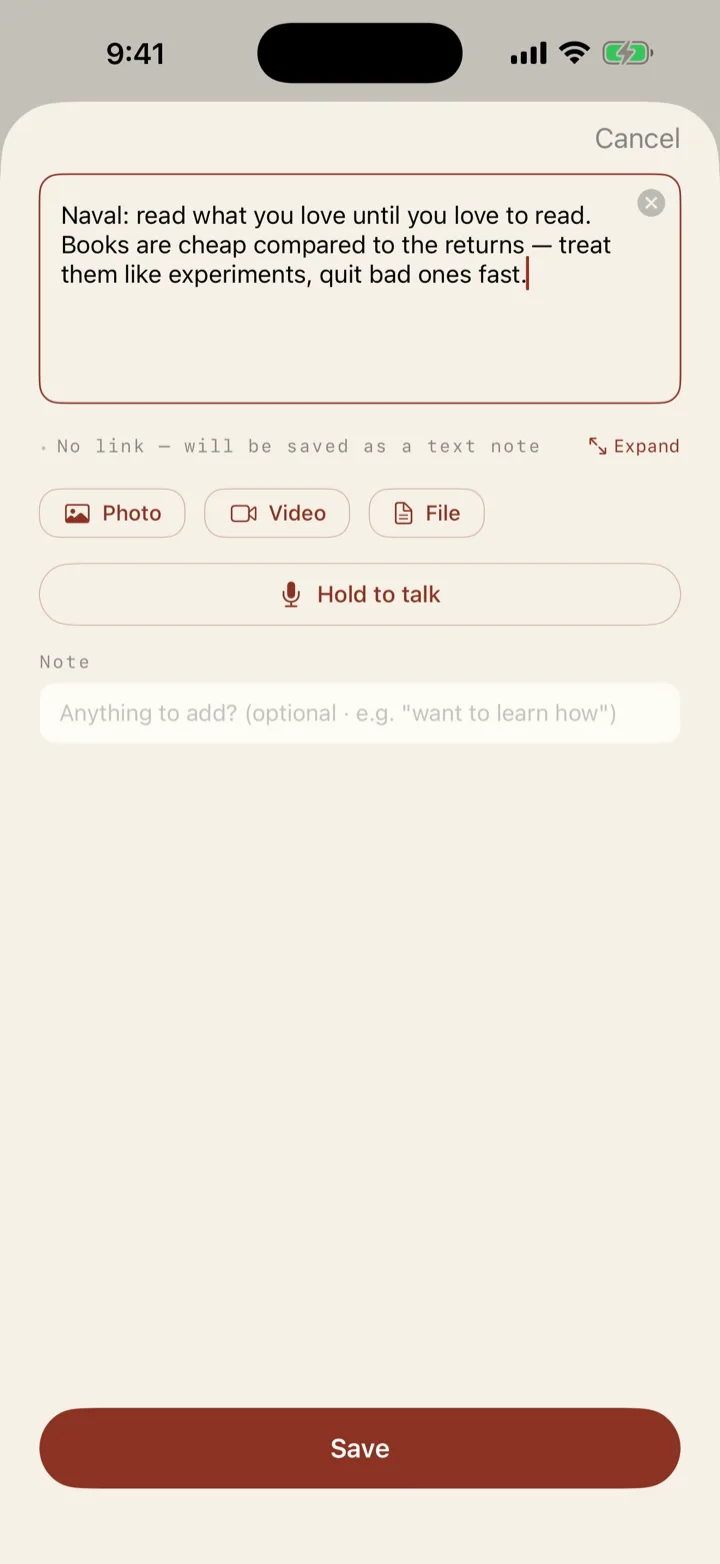
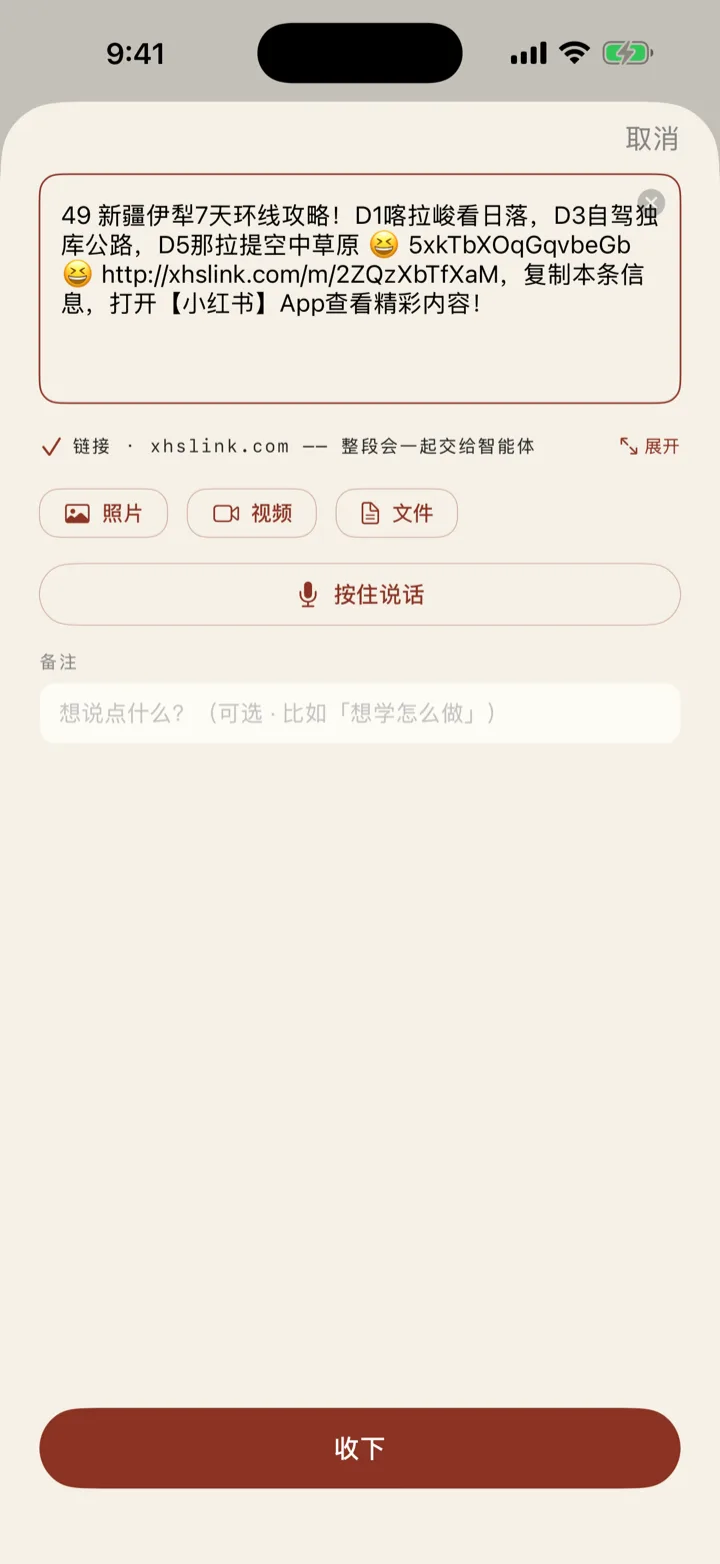
  • 链接、文字、图片、视频、语音、PDF、Word、Excel、PPT、Markdown、聊天记录——丢进来就行,不用先想「这算什么」。Links, text, images, video, voice notes, PDF, Word, Excel, PPT, Markdown, chat logs — just toss it in, no need to decide what it "counts as" first.
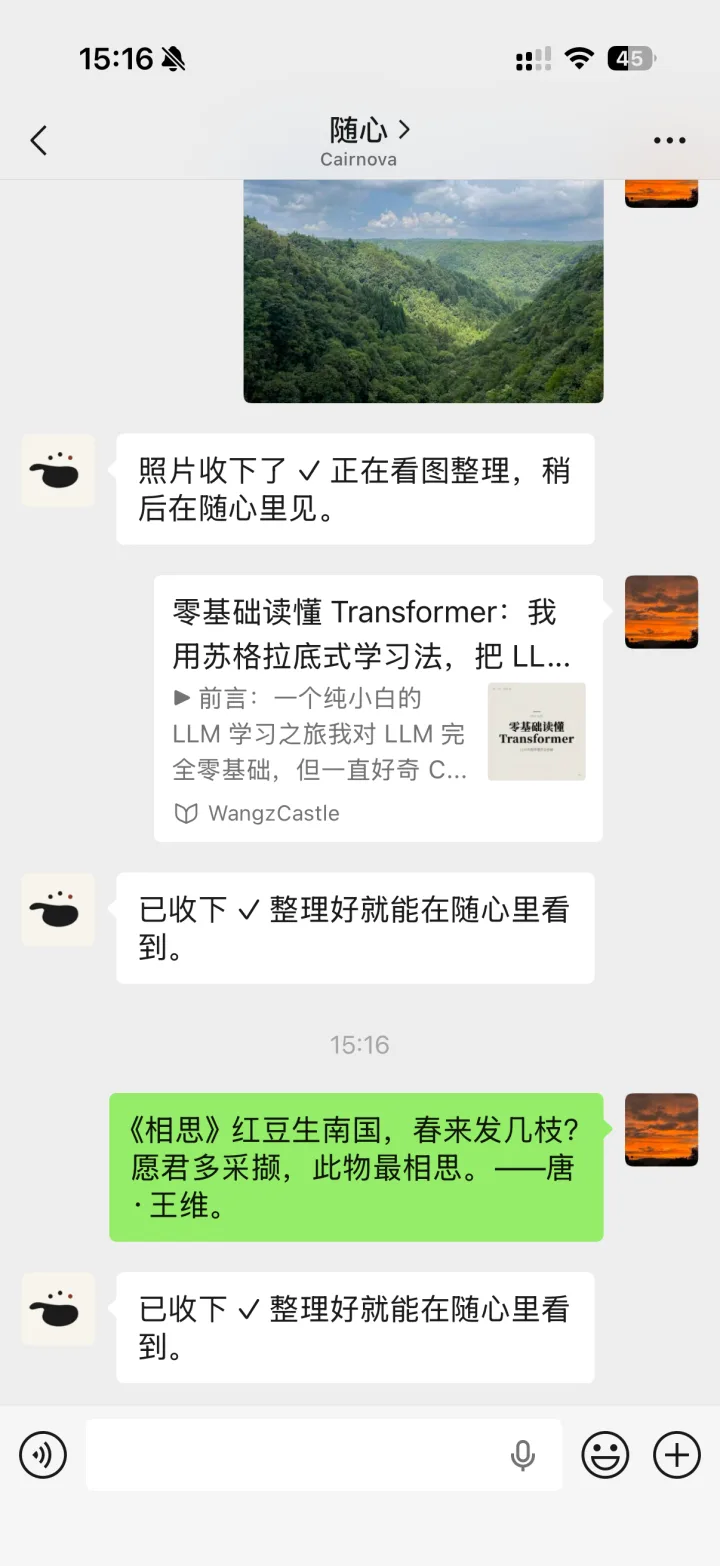
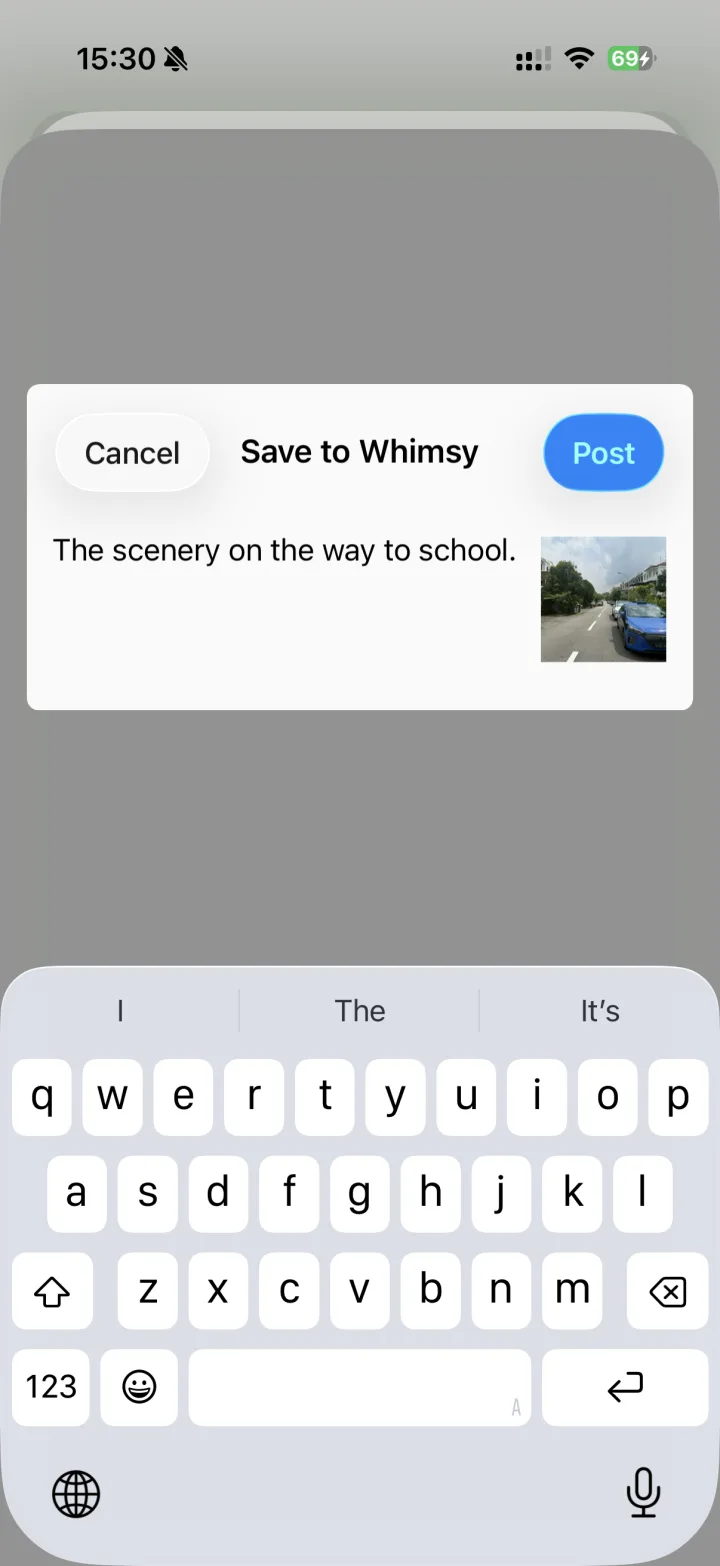
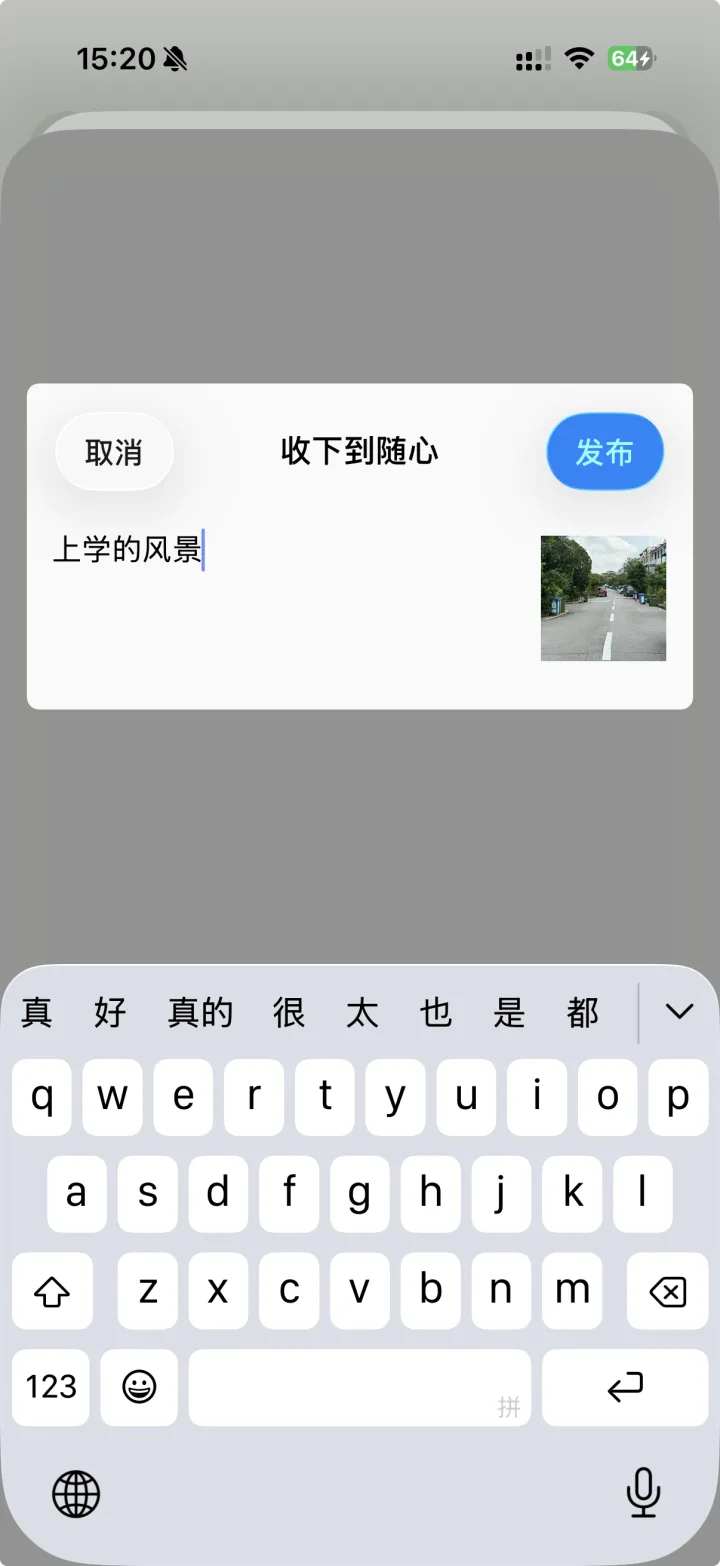
  • 四个入口:app 里直接粘贴;任何 app 的分享面板选「随心」;转发给随心的微信客服;或发给 Telegram 机器人。Four ways in: paste inside the app; pick Whimsy in any share sheet; forward to Whimsy's WeChat service account; or send to the Telegram bot.
  • 分享收下不打断你手上的事——收没收成、解析全不全,推送回执告诉你。Saving from the share sheet never interrupts you — a push receipt tells you whether it landed and parsed in full.
  • 同一条内容重复收也不怕,只会记一次。Save the same thing twice and you still get one card, not two.
02

理 · 落地即成卡,越用越懂你Sort — a full card on arrival, tuned to you

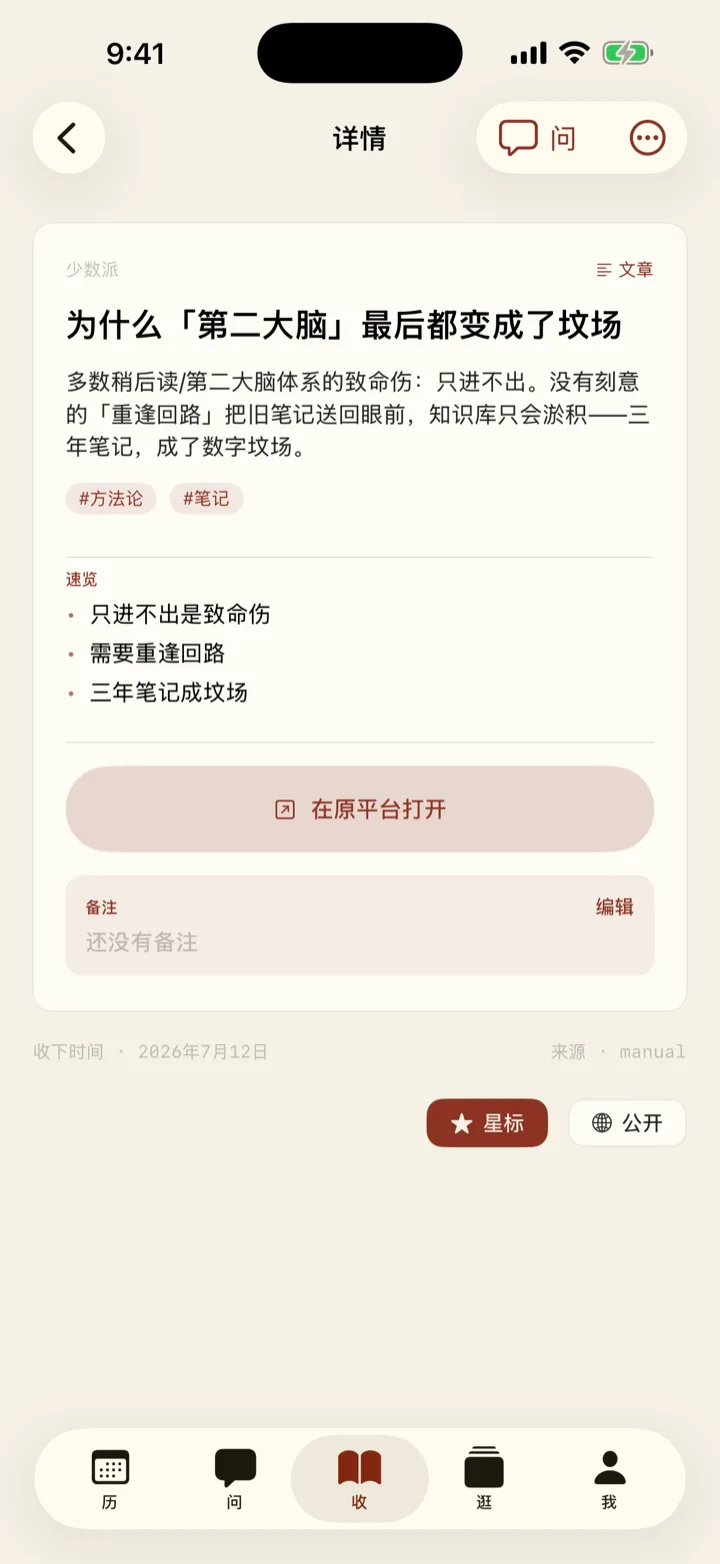
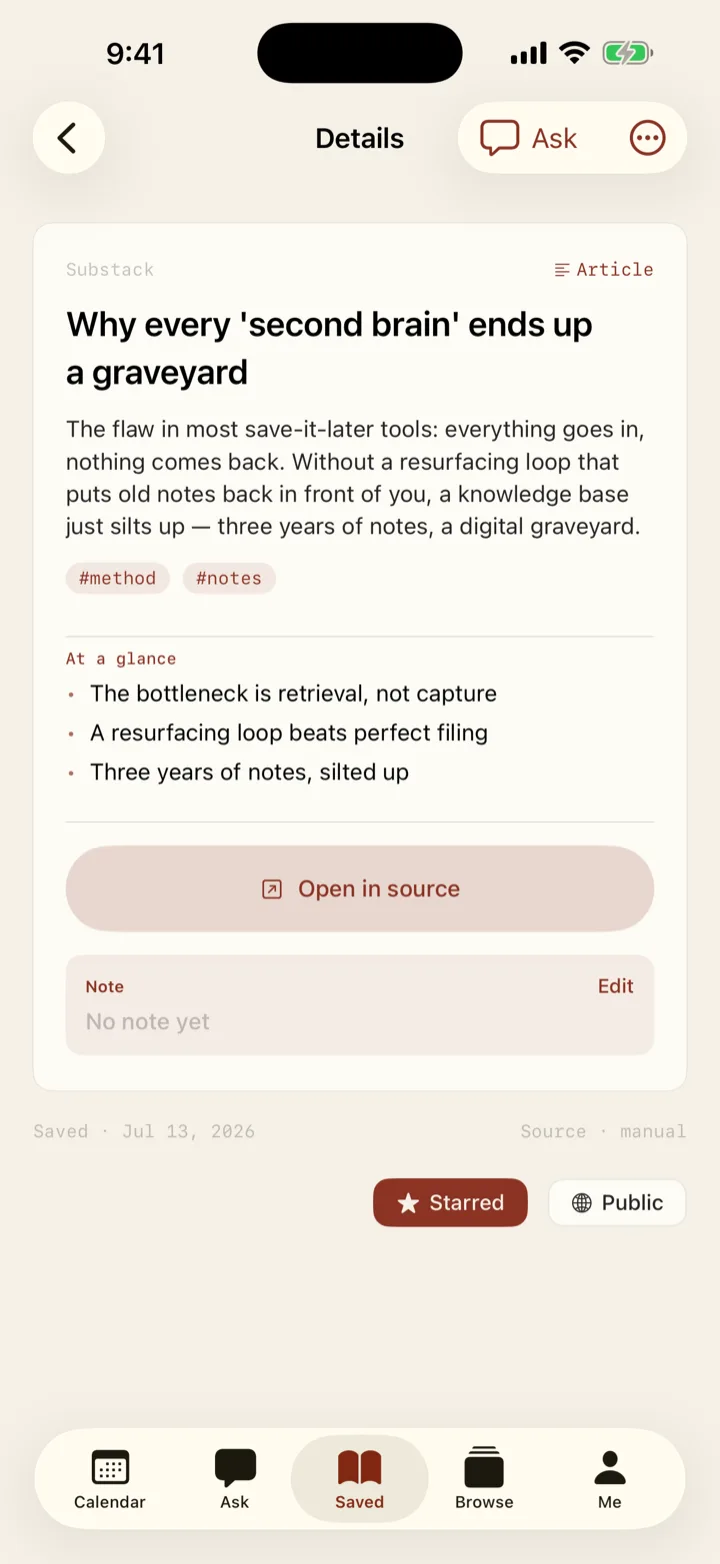
  • 收下几秒内:标题、摘要、速览要点、类型、标签全部就位——你看到的直接是一张能用的卡。Within seconds of saving, the title, summary, key points, type and tags are all in place — what you see is a finished, usable card.
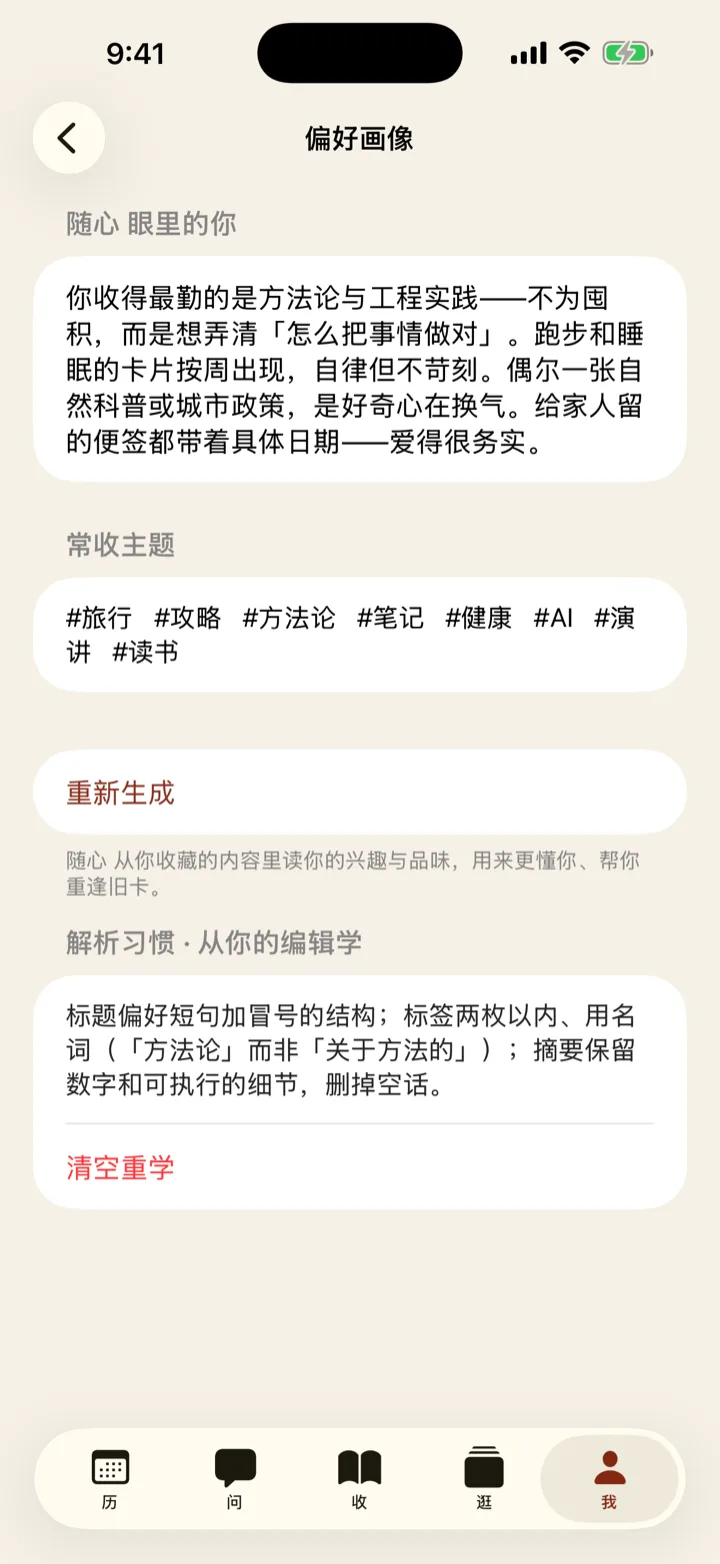
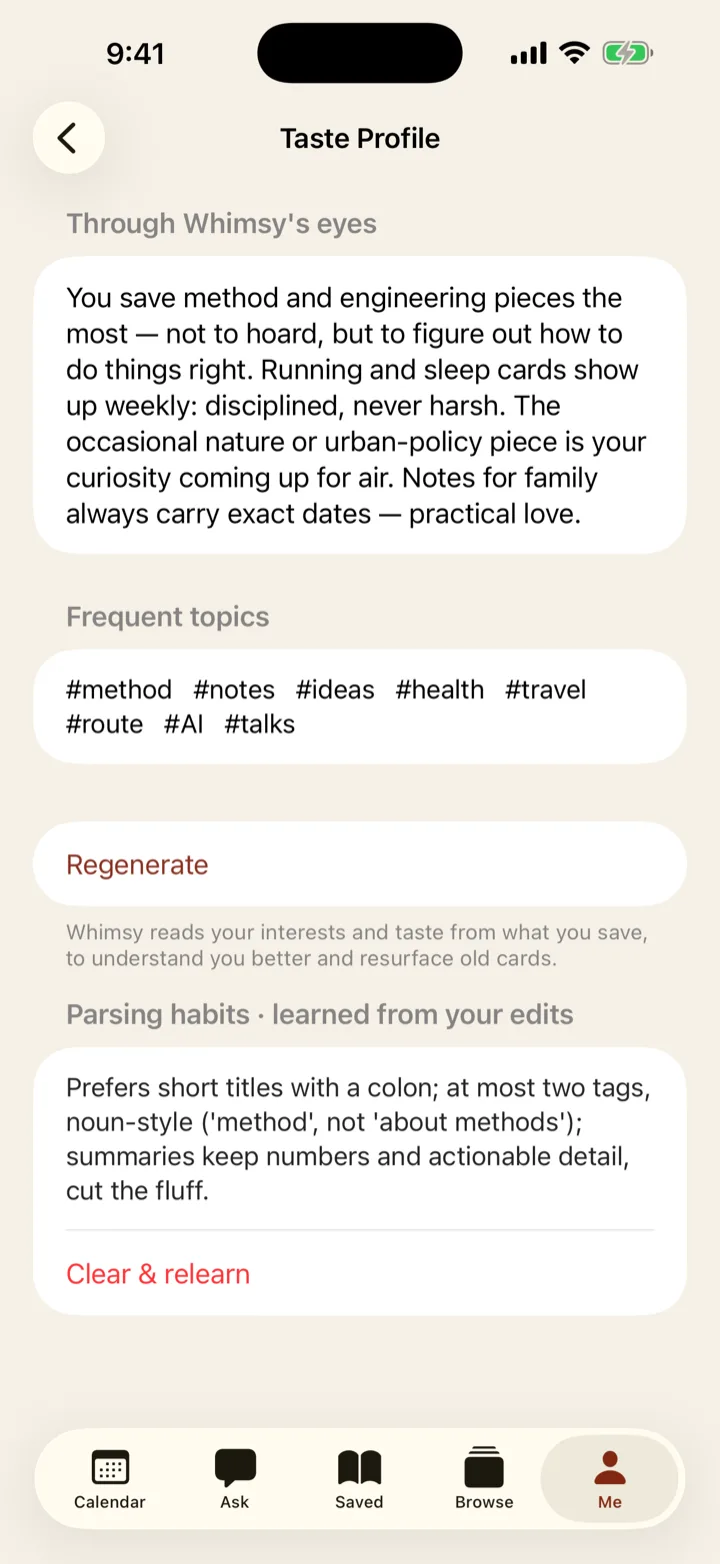
  • 它起草、你定稿。改一个标题、动一个标签,它就记住你的口味,下次起草更像你写的。It drafts, you decide. Fix one title or one tag, and it remembers your taste — the next draft reads more like you.
  • 标签乱了,它主动提合并、清理的建议;收着收着,还会替你写出一份「关于你」的兴趣画像。When tags get messy it proposes merges and cleanups; and over time it writes an evolving "about you" profile from what you keep.

03

找 · 手动找也快:搜索加筛选Find — fast even by hand

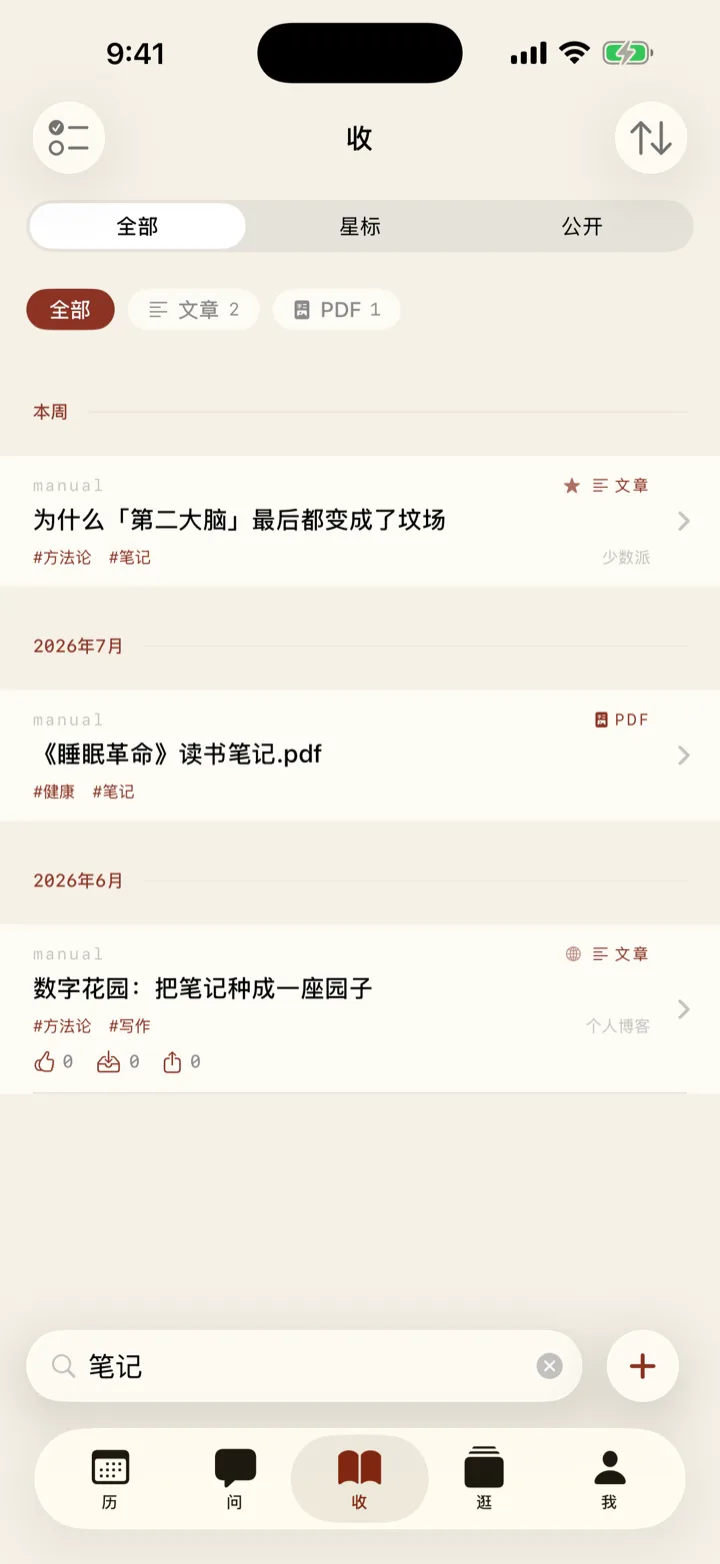
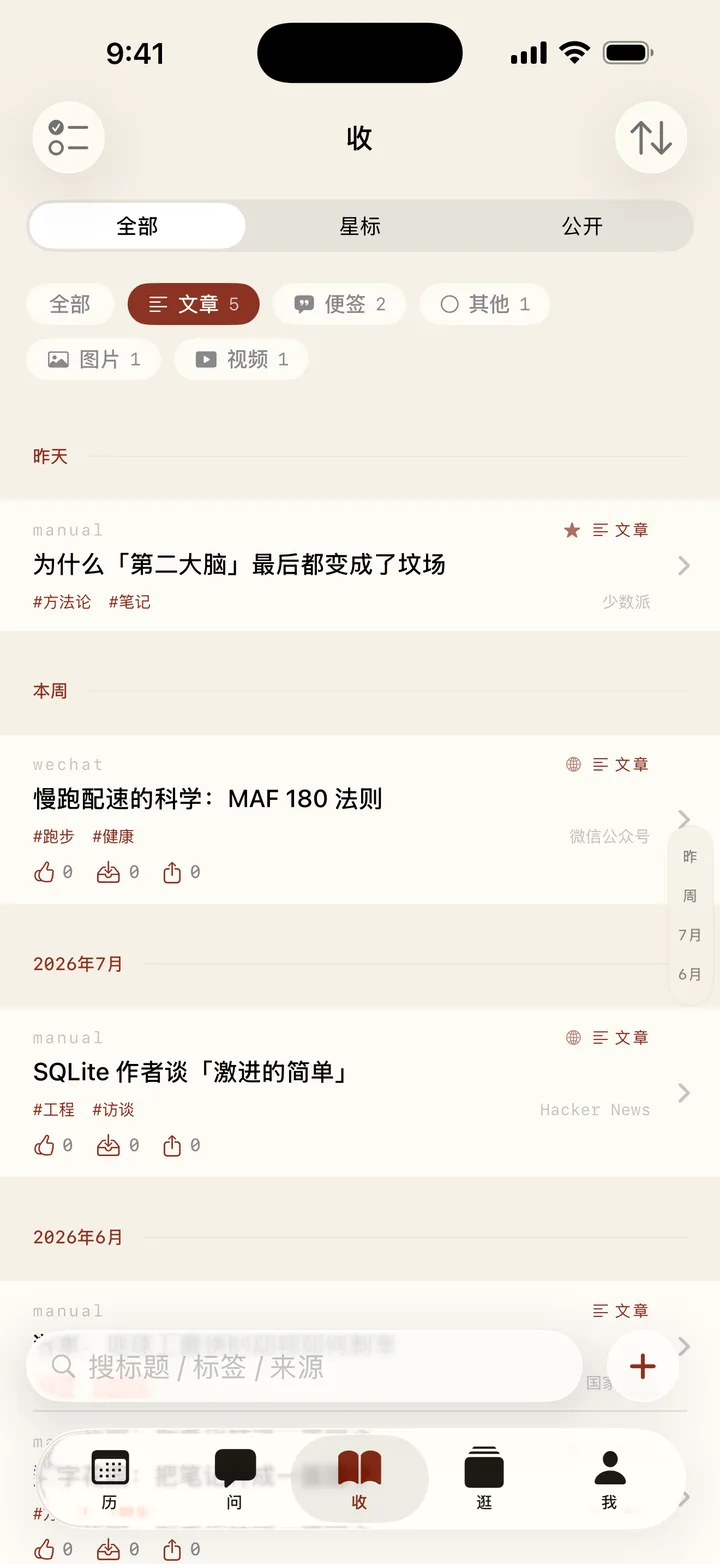
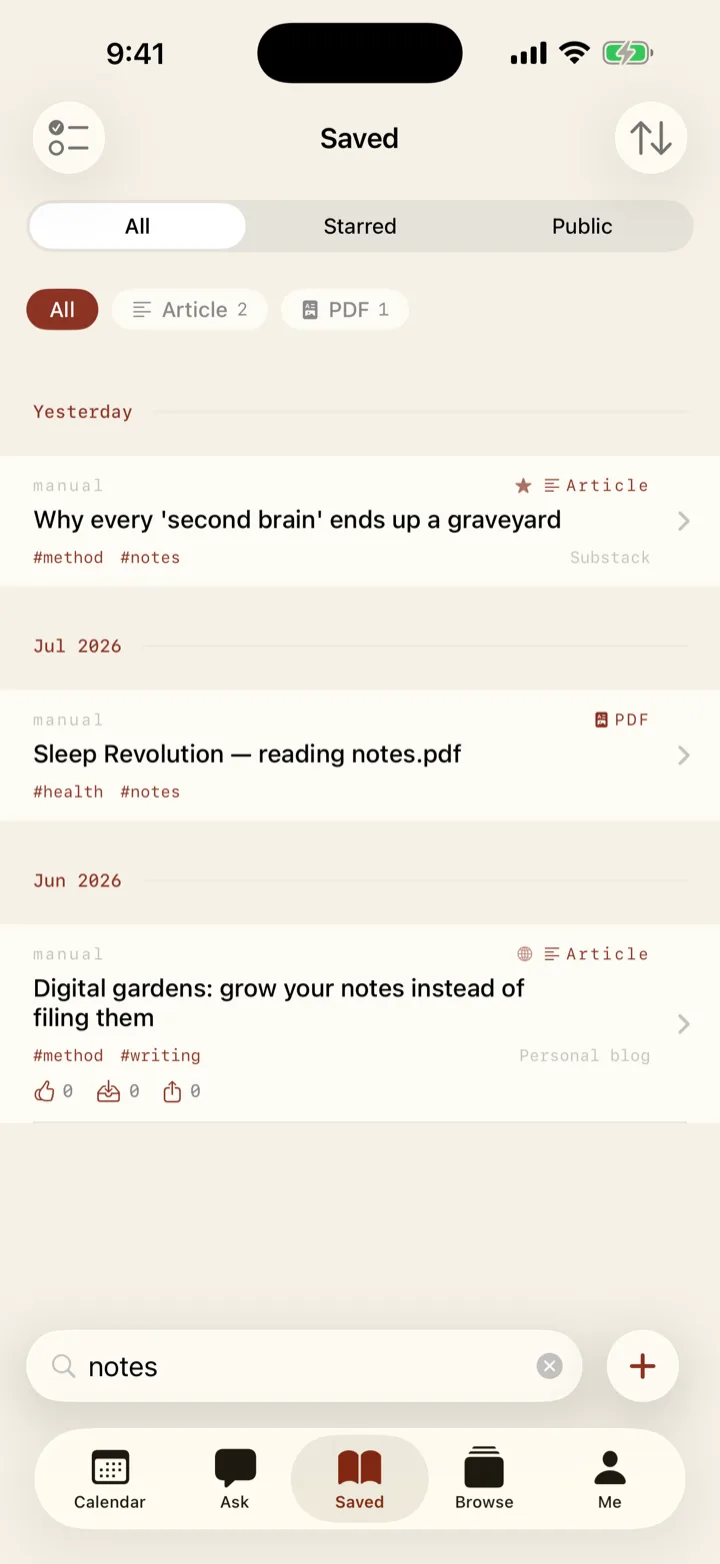
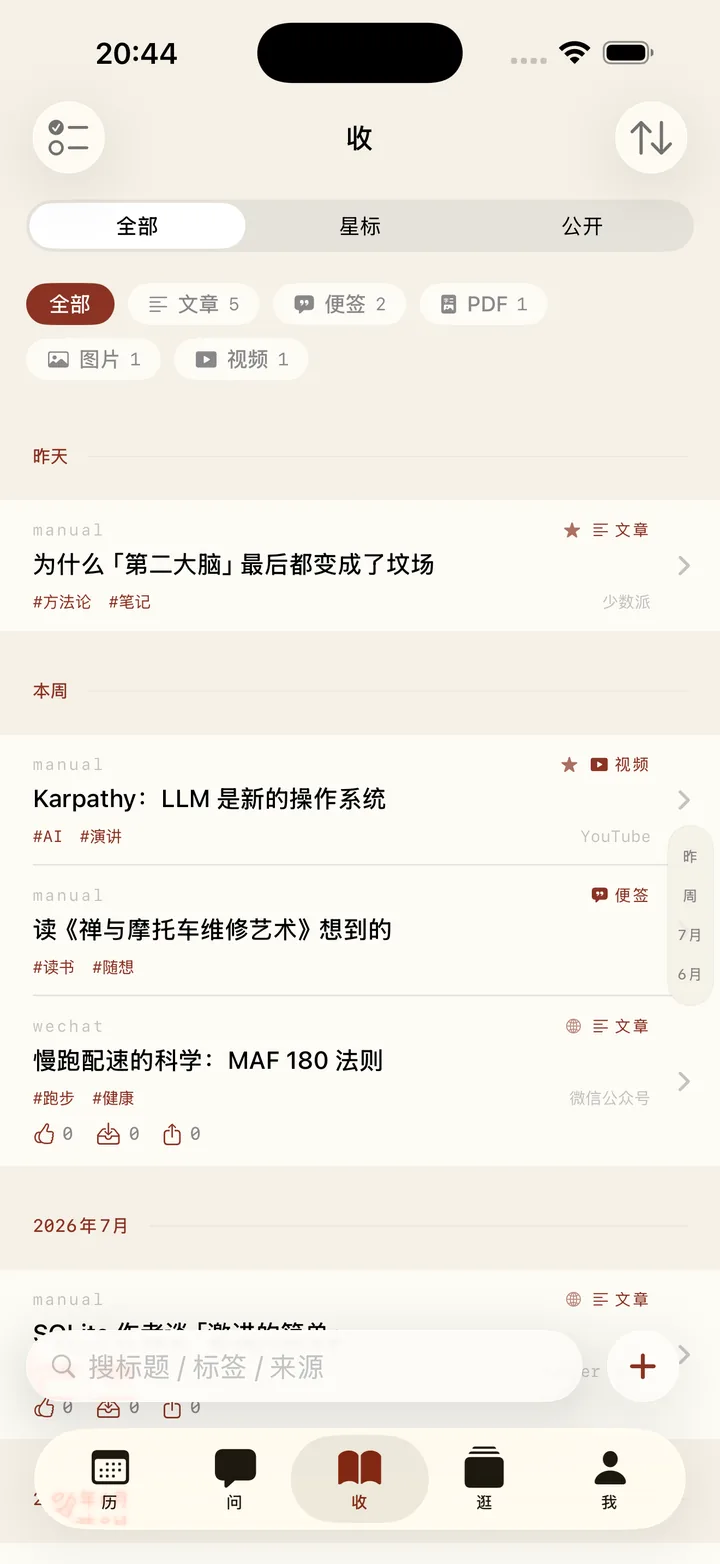
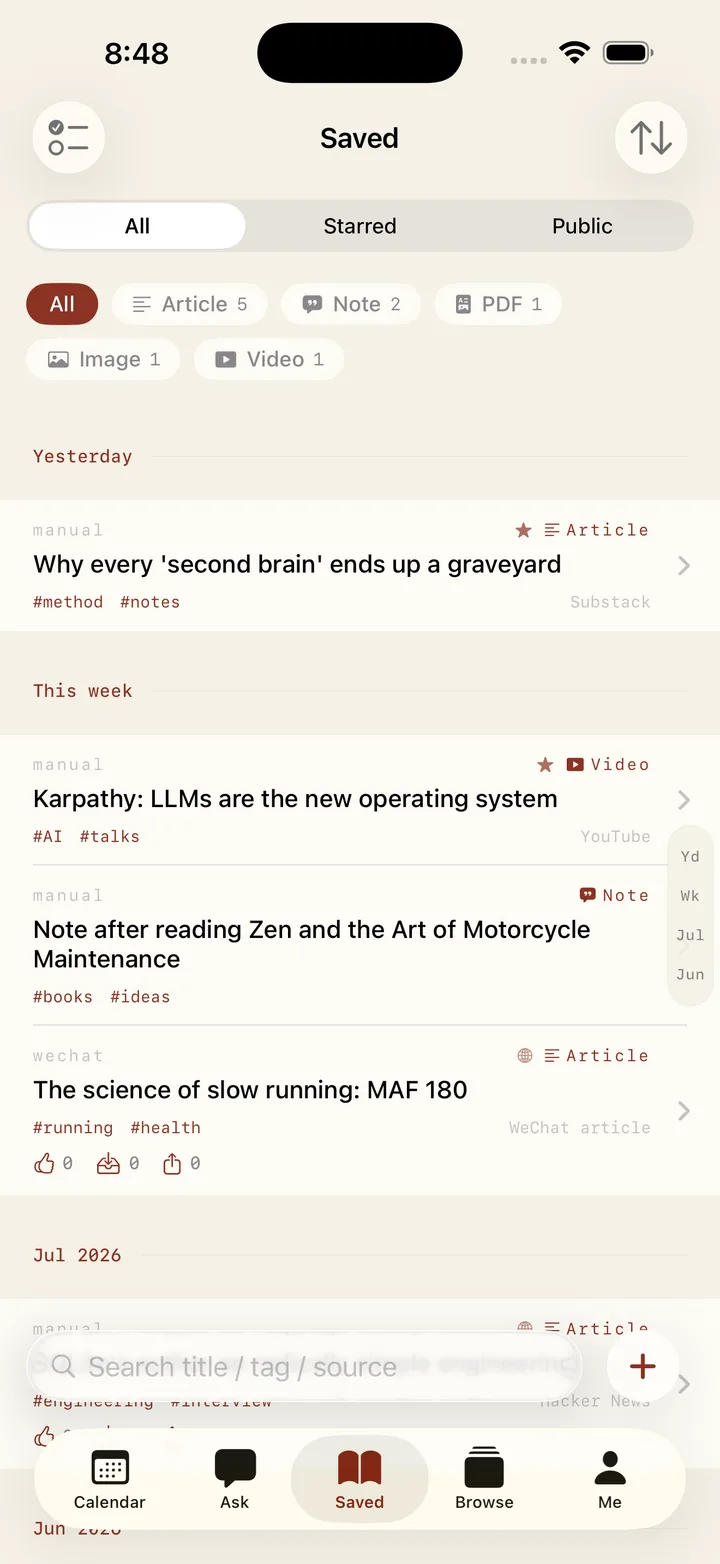
  • 按标题、标签、来源搜,边打字边出结果。Search by title, tag or source — results update as you type.
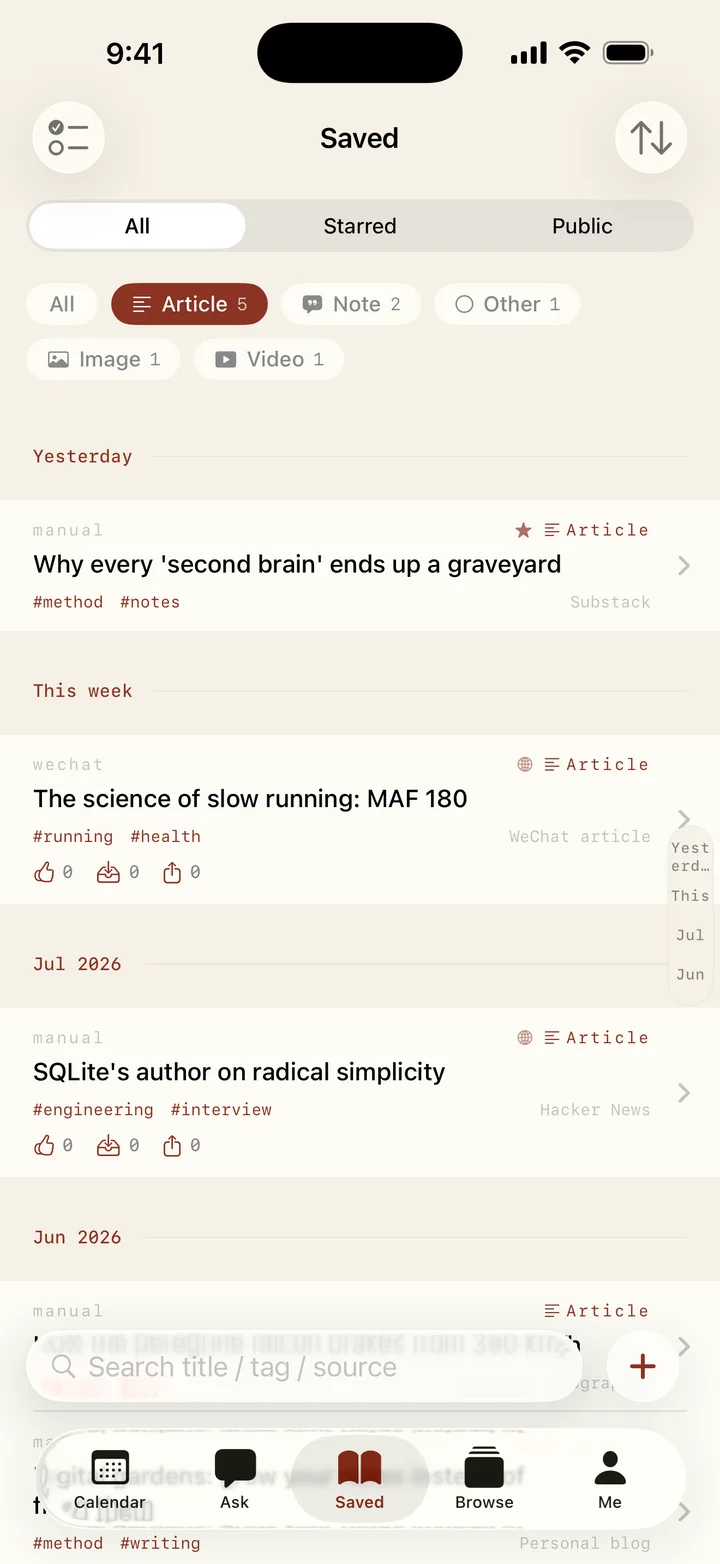
  • 类型漏斗(文章、便签、图片、视频、PDF…)加标签筛选,一层层收窄到那一条。Type funnels (article, note, image, video, PDF…) plus tag filters narrow it down layer by layer.
  • 全部、星标、公开三个范围一划就切;列表按时间自动分组。Swipe between All, Starred and Public; the list groups itself by time.
截图筹备中 · 搜索与筛选Screenshot coming — search & filters
04

问 · 会翻你整个收藏库的智能体Ask — an agent that reads your whole library 订阅Premium

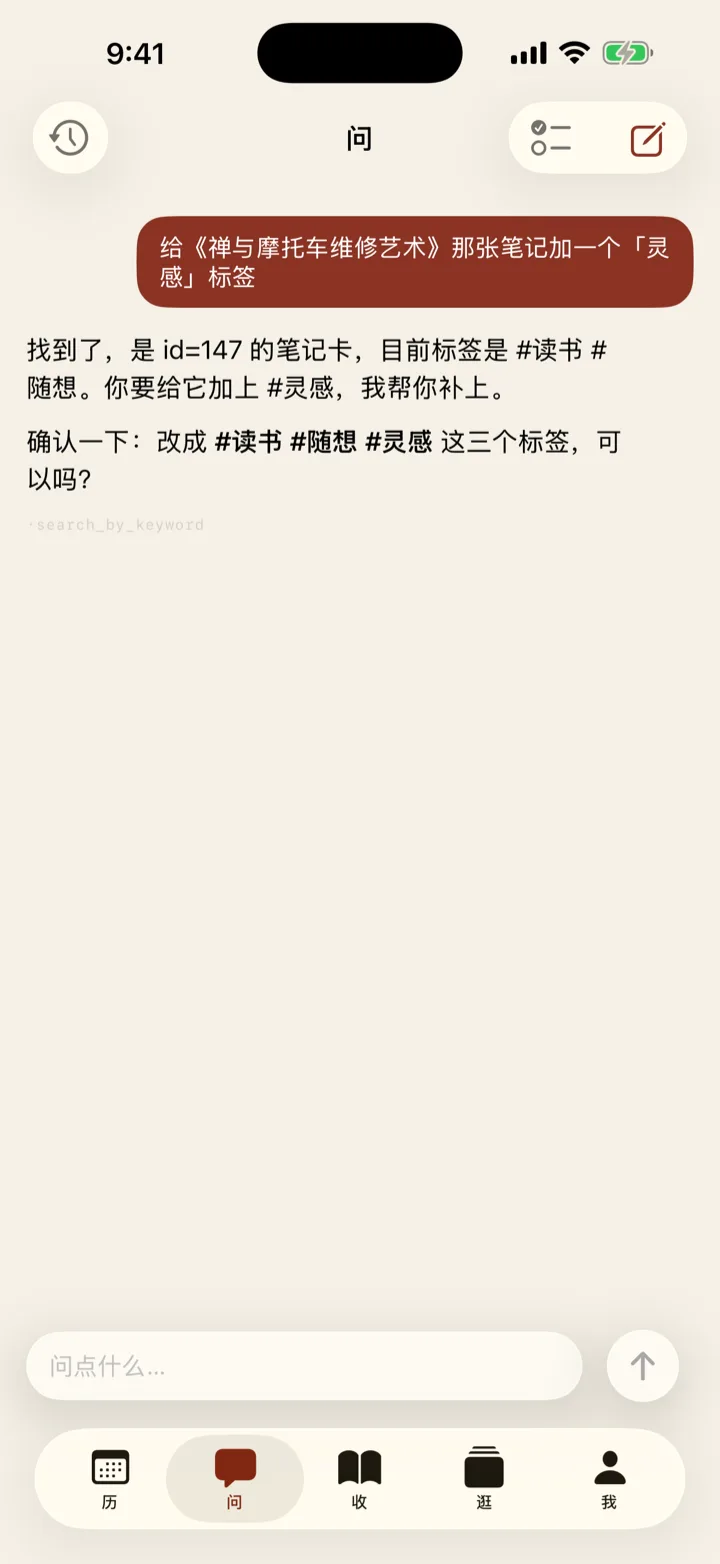
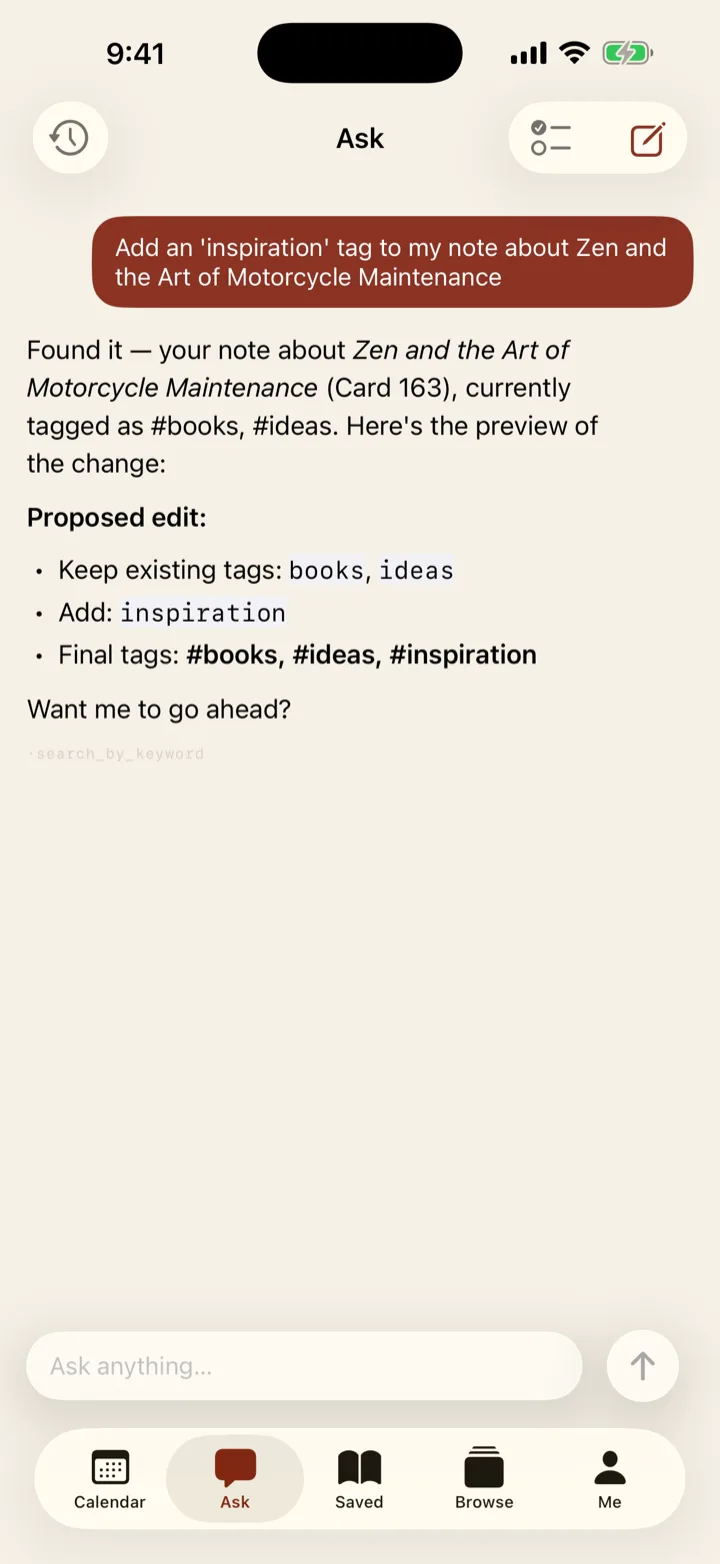
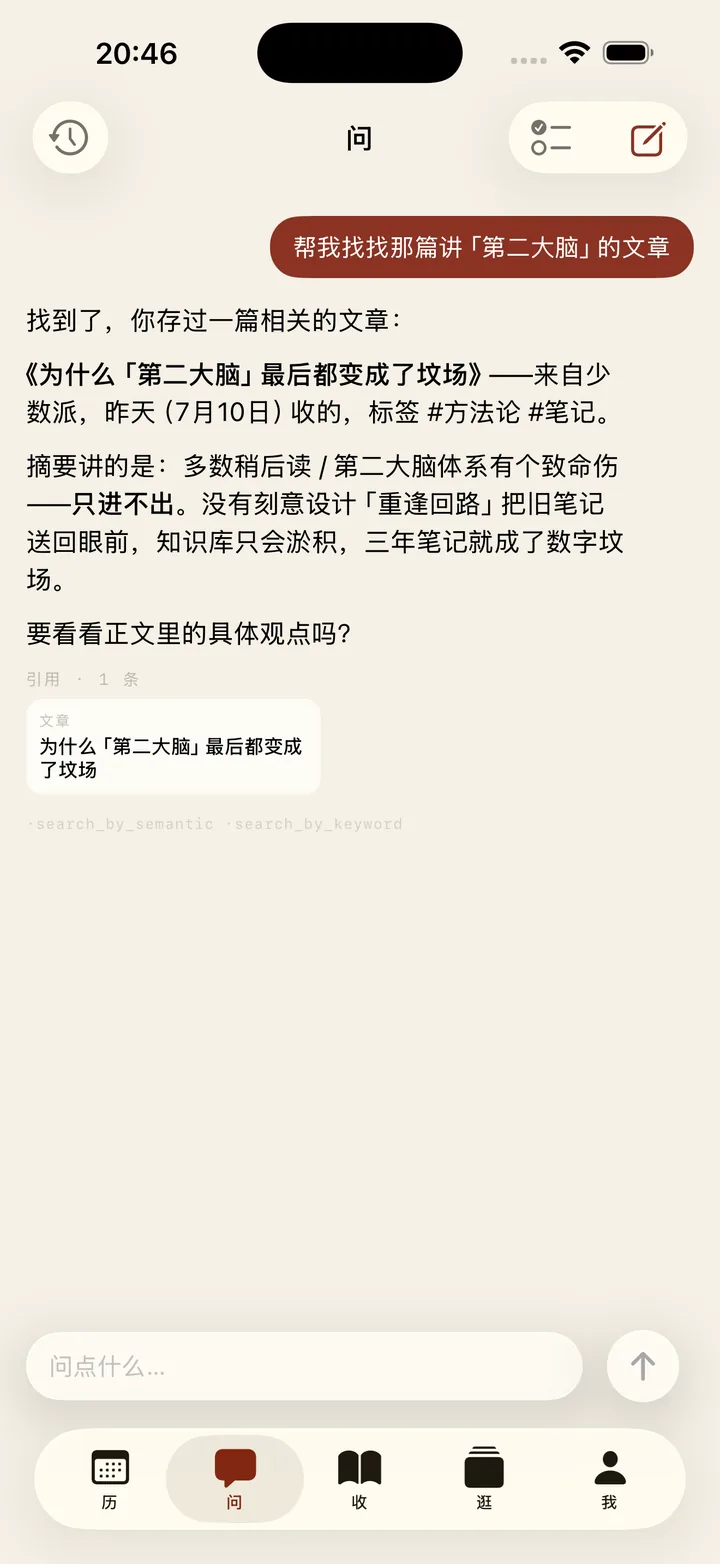
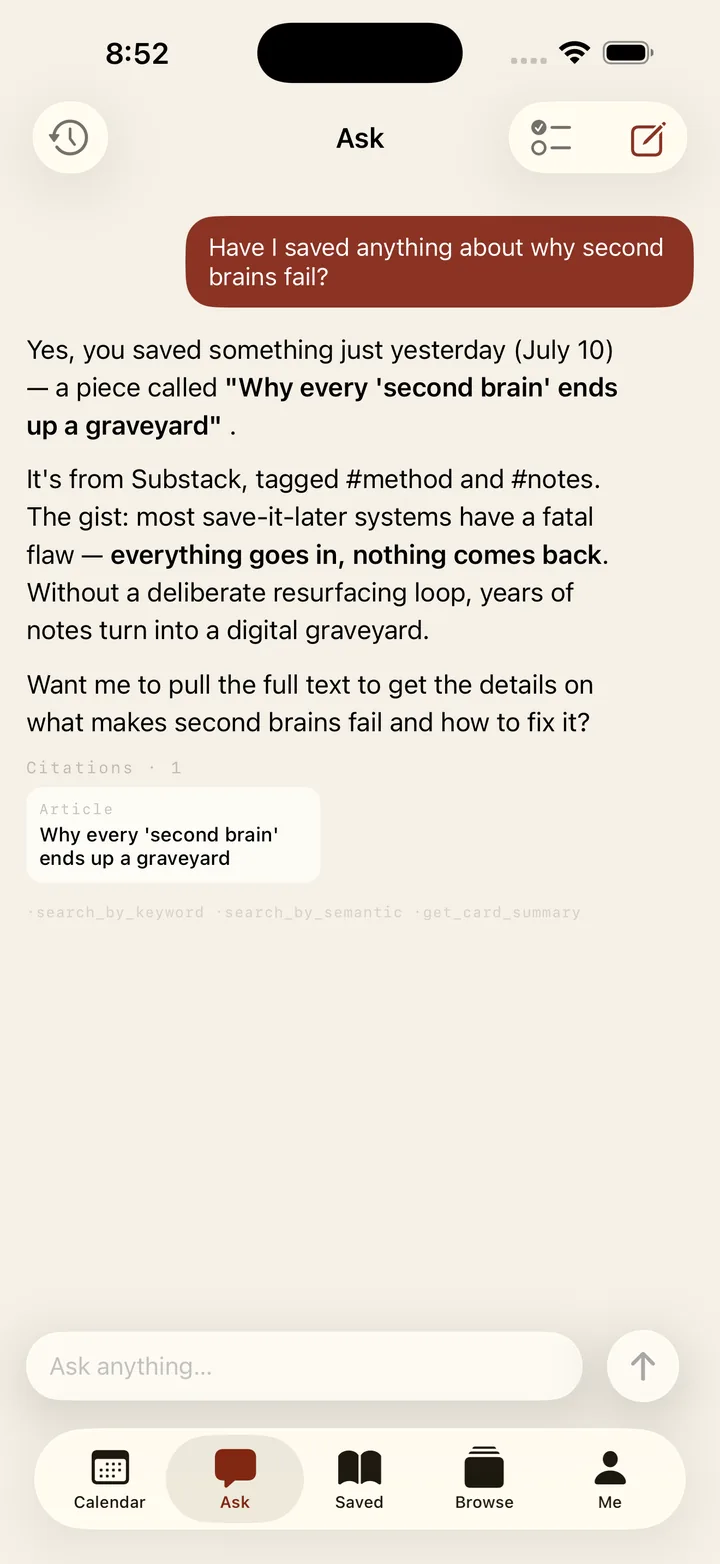
  • 只记得半句也能找回来:关键词和语义两路一起检索,答案里直接引用原卡,点开就到。Half a memory is enough: it searches by keyword and by meaning at once, and cites the exact card in its answer — tap to open it.
  • 不止会找。让它改标签、并卡片、清库存,一句话的事;动你的卡之前会先问你。It does more than find. Retag, merge, archive — one sentence. And it asks before touching your cards.
  • 库里没有的,它能联网去查,和你收过的东西放在一起讲。When your library doesn't have it, it can search the web and weave that in.
  • 订阅解锁;新账号送 7 天。Premium feature — new accounts get 7 days free.

05

历 · 日子自动上日历,到点提醒Dates — onto the calendar by themselves

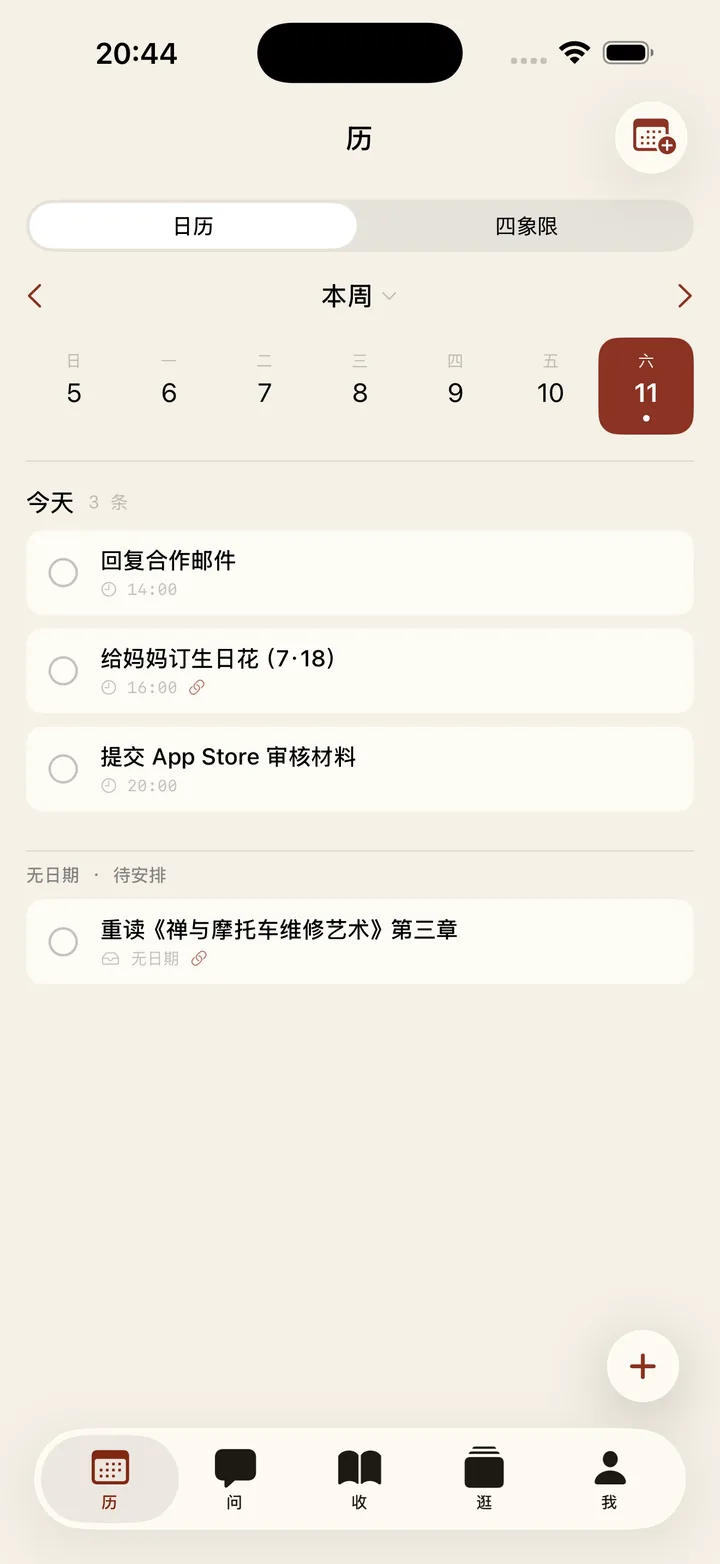
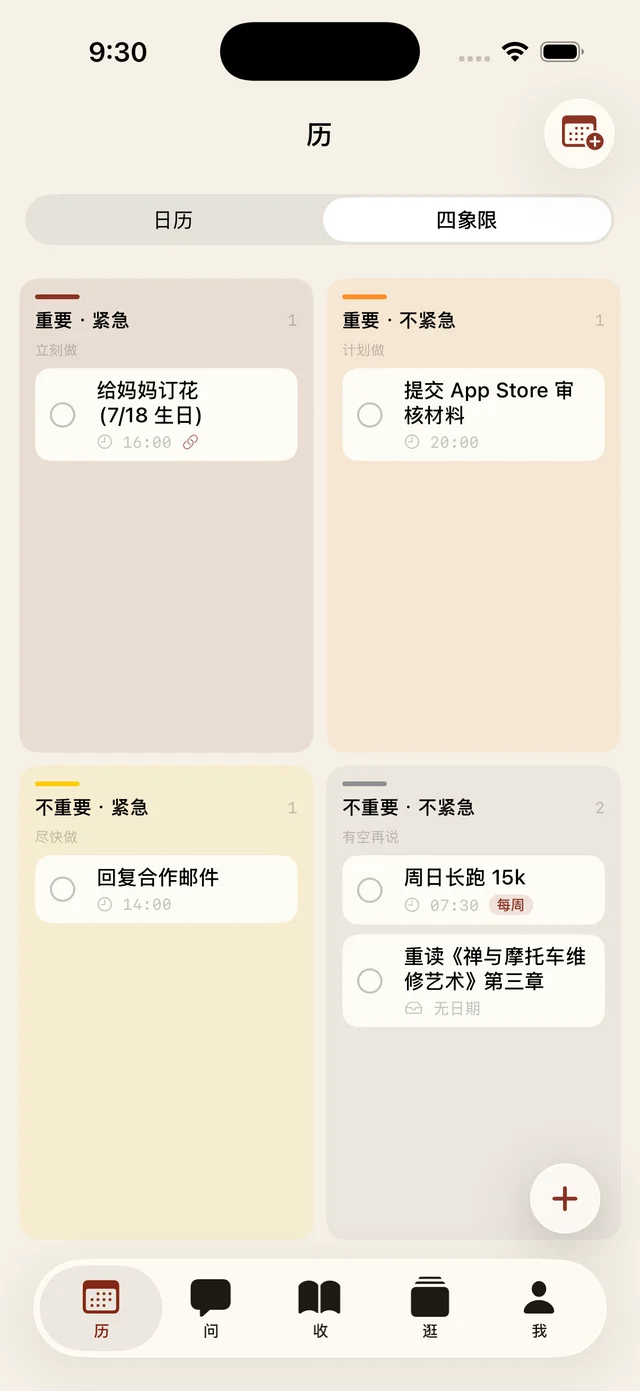
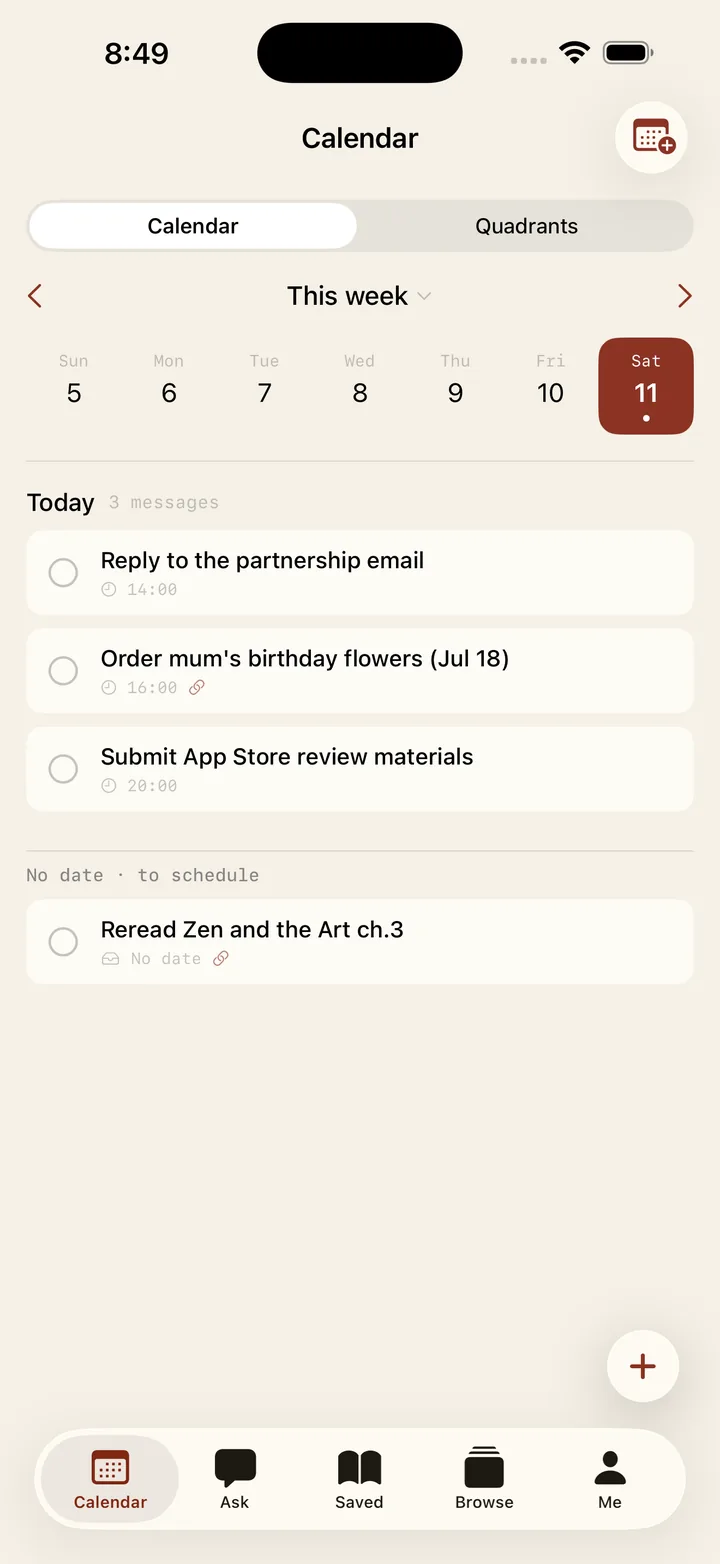
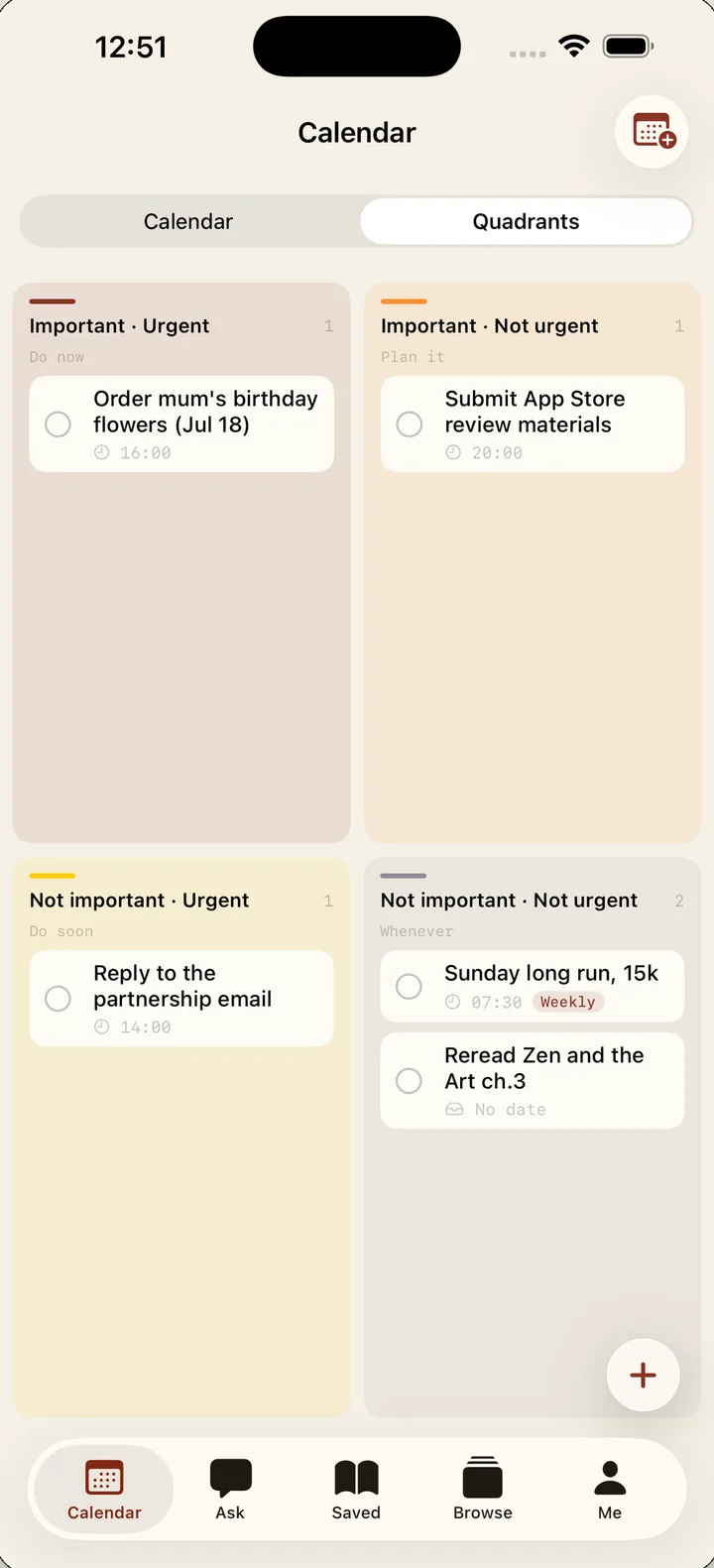
  • 「周五前回复」「下月截止」——收藏里藏着的时间,自动提取成日程。"Reply by Friday", "due next month" — dates buried in your saves become schedule items automatically.
  • 日历排日子,四象限排轻重缓急,两个视图一键切换。The calendar lays out the days; the quadrant board sorts urgent from important — switch with one tap.
  • 按你所在时区准点提醒,重复日程也认得。Reminders land on time in your own time zone — recurring dates included.
06

逛 · 旧收藏回来找你Discover — old saves come back around

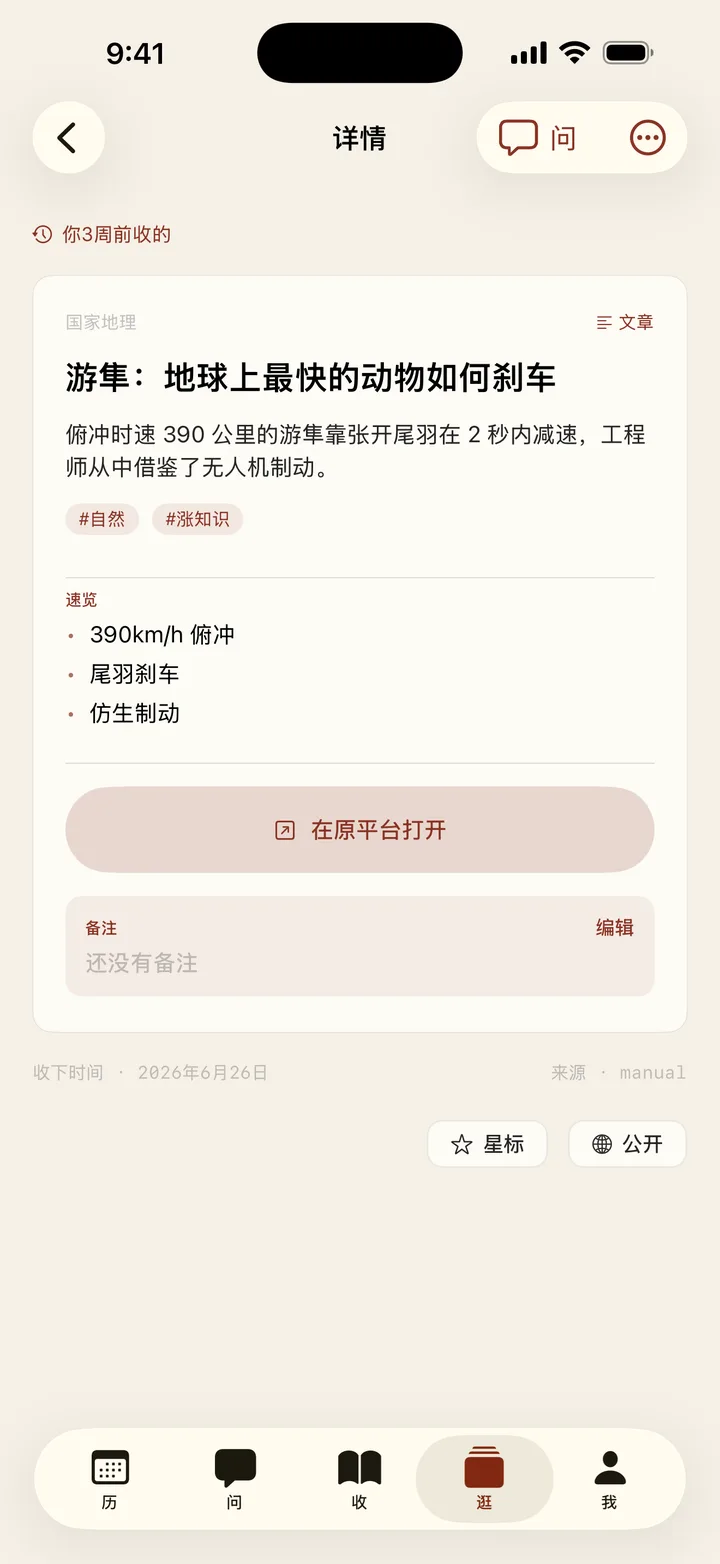
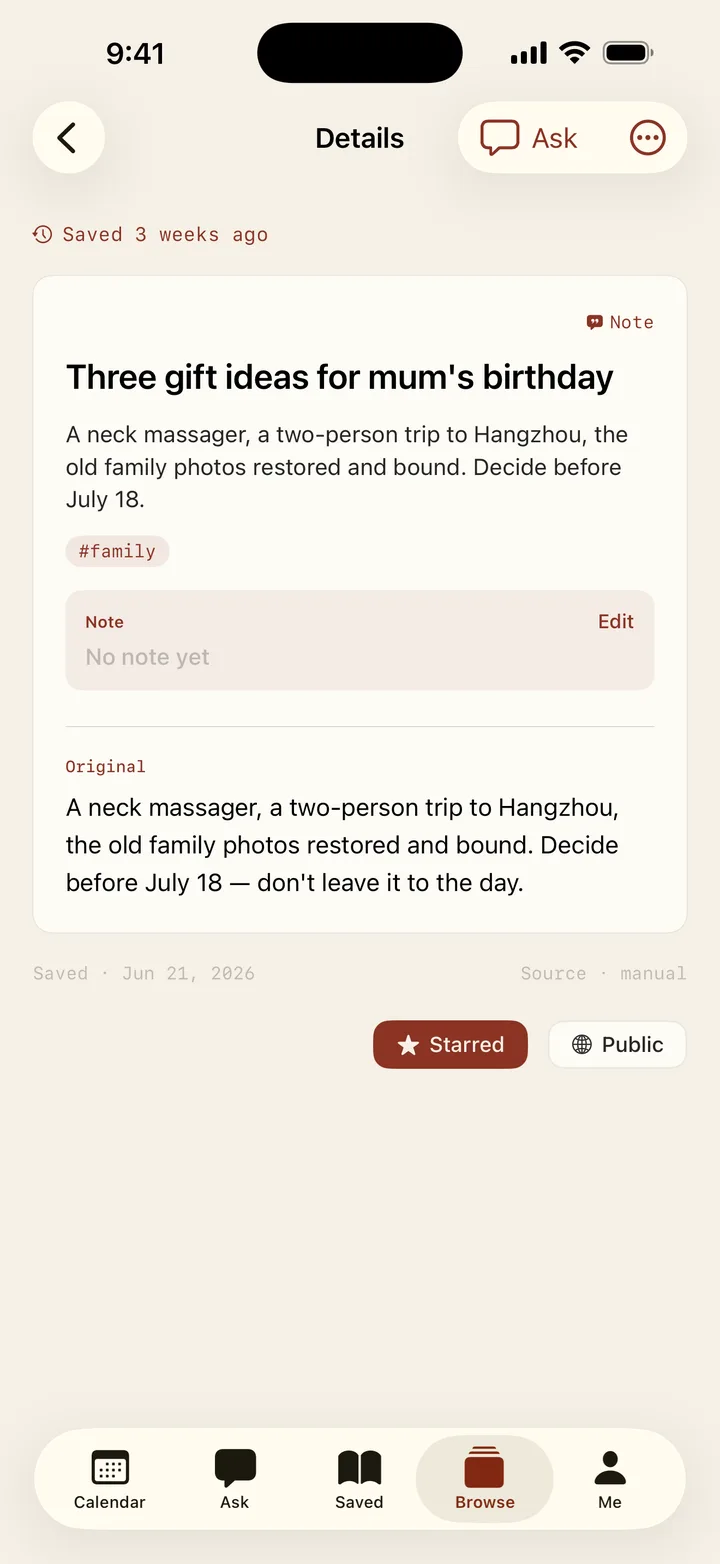
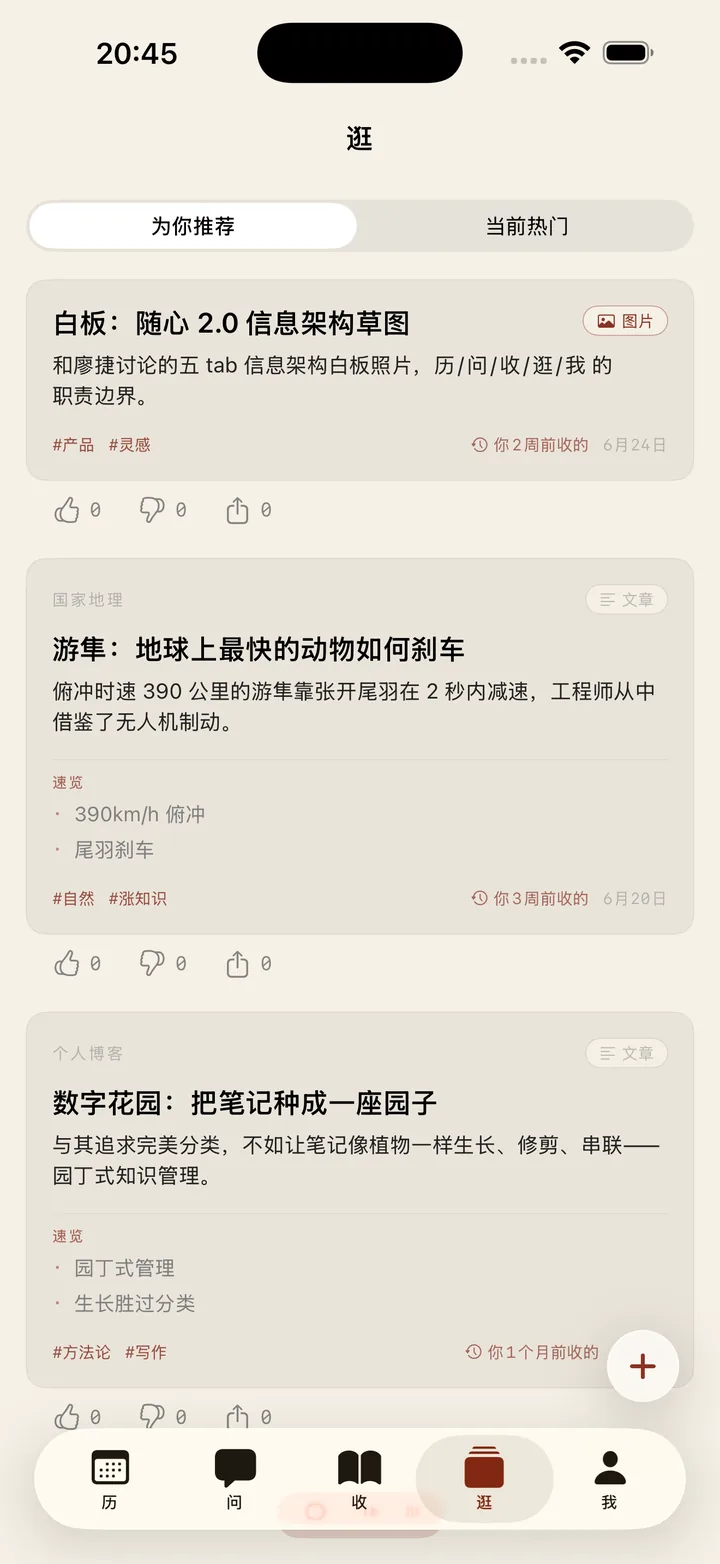
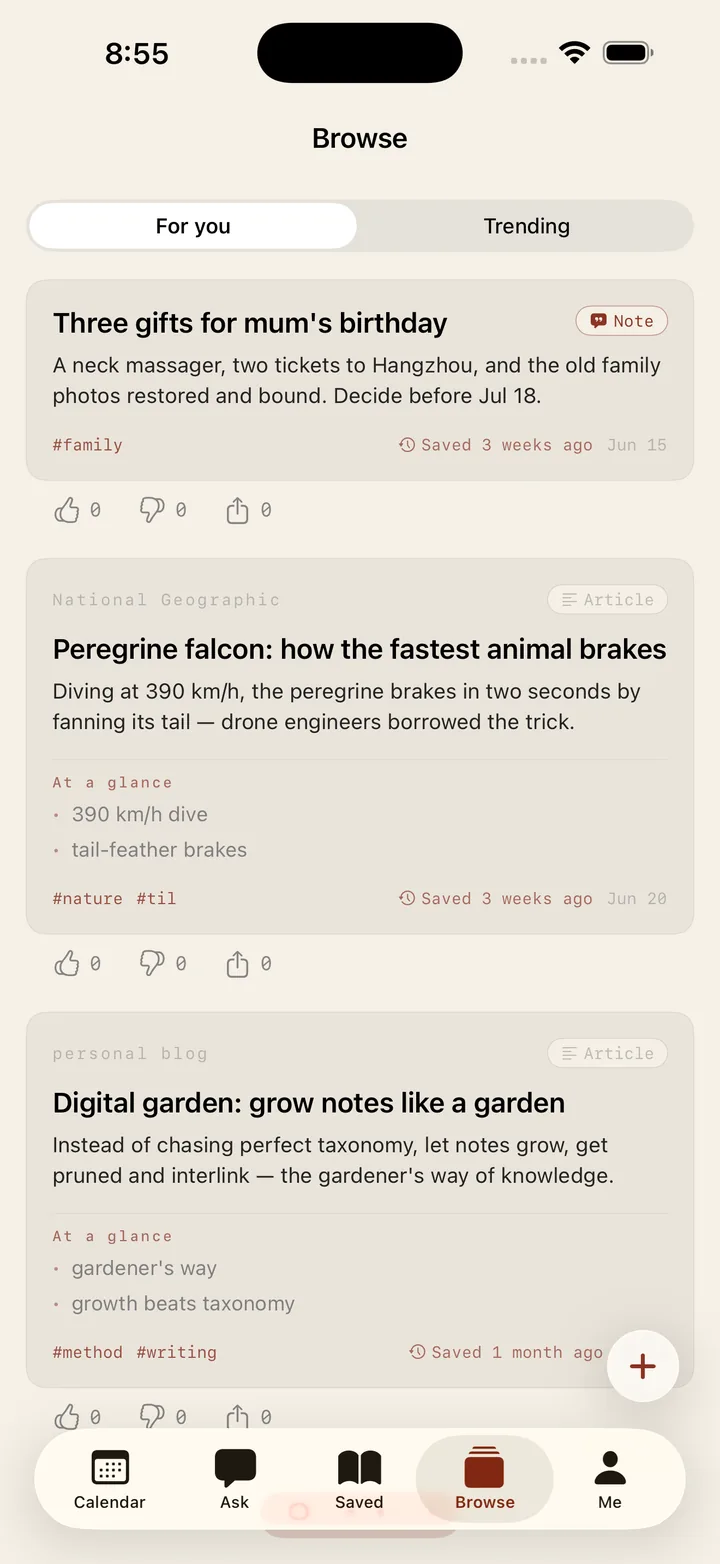
  • 两周以上没碰的收藏,低频出现在「逛」里——不是每日回顾任务,是不期而遇。Saves untouched for two weeks or more resurface quietly in Discover — not a daily-review chore, a chance reunion.
  • 同一条流里还有为你挑的内容、别人公开的好东西;刷完点「换一批」。The same stream carries picks for you and things others made public; tap "refresh" when you're through.
  • 没有打卡、没有连续天数、没有小红点焦虑。No streaks, no check-ins, no red-dot anxiety.
逛 · 三张回来找你的旧收藏Discover — old saves finding you again
07

享 · 整张卡递过去,署你的名Share — the whole card, credited to you

  • 任何一张卡都能设为公开:标题、摘要、要点一起过去,署上你的名字。Make any card public: the title, summary and key points travel with it — credited to you.
  • 别人在「逛」里刷到,一键收进自己的库,不必复制粘贴。Whoever finds it in Discover saves it to their own library in one tap — no copy-paste.
  • 赞、收下、转发的次数公开可见;也能用系统分享面板直接发给朋友。Likes, saves and reshares are counted in the open — or send it straight to a friend from the share sheet.
08

我 · 数据是你的,随时带走You — your data, yours to take

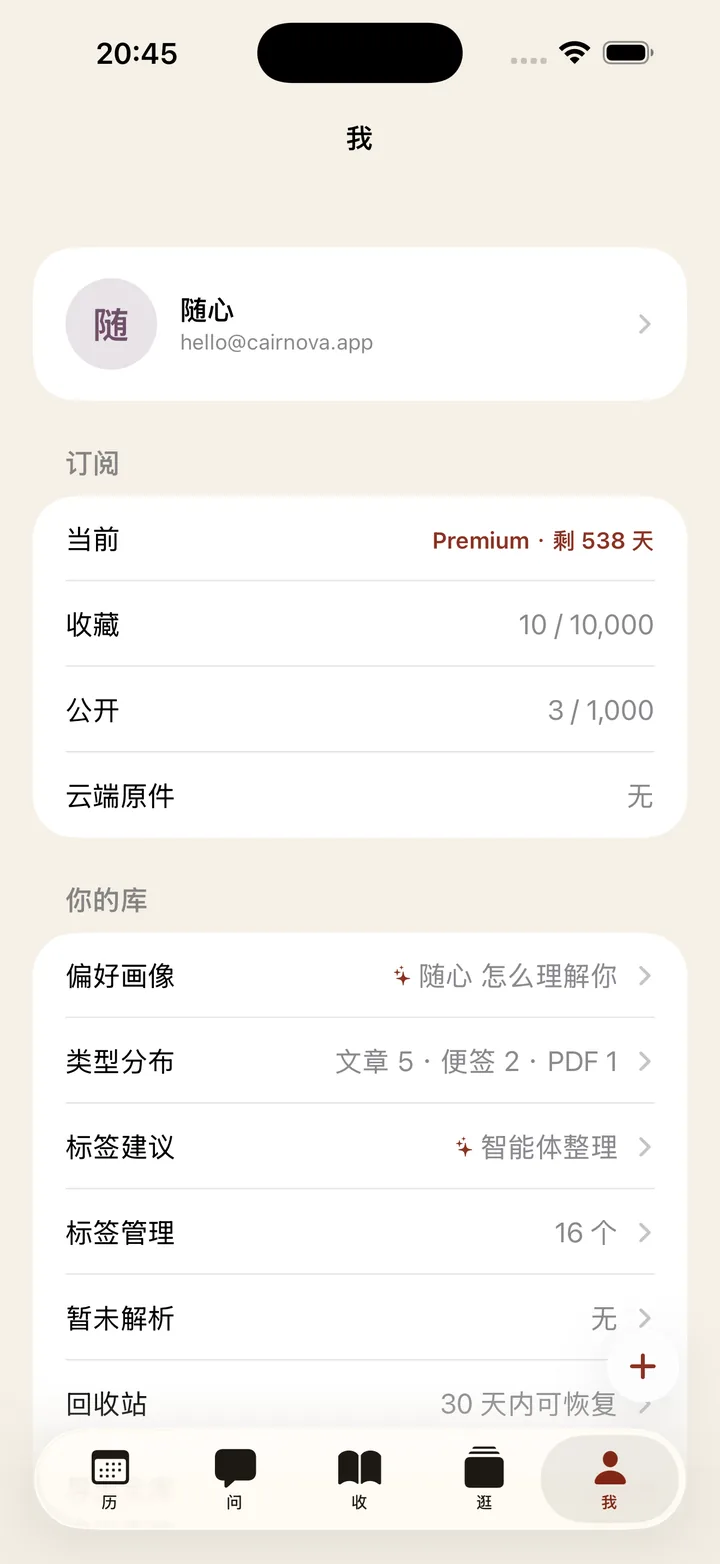
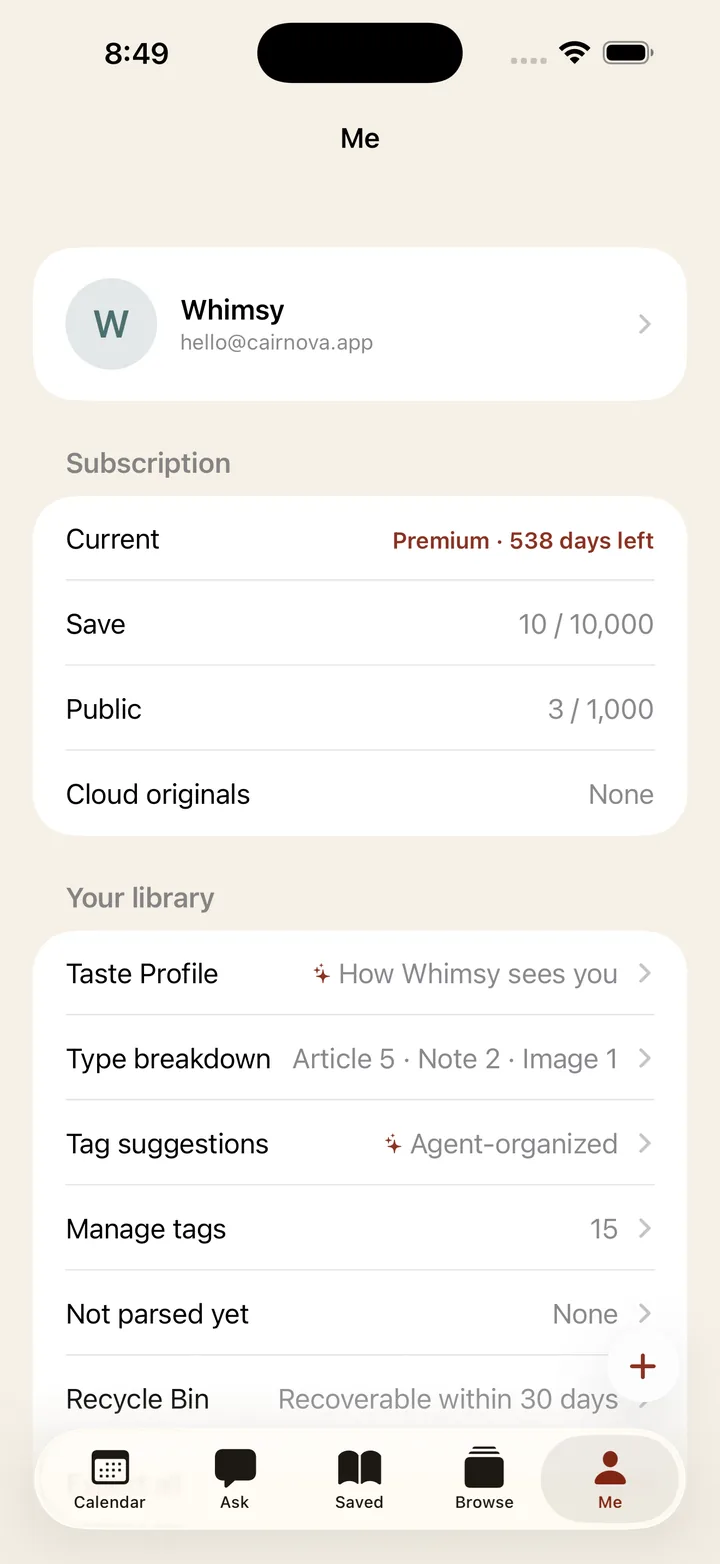
  • 整库一键导出 JSON,搬家不求人;删除先进回收站,30 天内随时反悔;注销即刻全删。Export the whole library as JSON in one tap; deletion goes to a recycle bin with a 30-day undo; account deletion wipes everything at once.
  • 星标是私事,公开才署名——每一条都你说了算。Stars are private, only public cards carry your name — every card is your call.
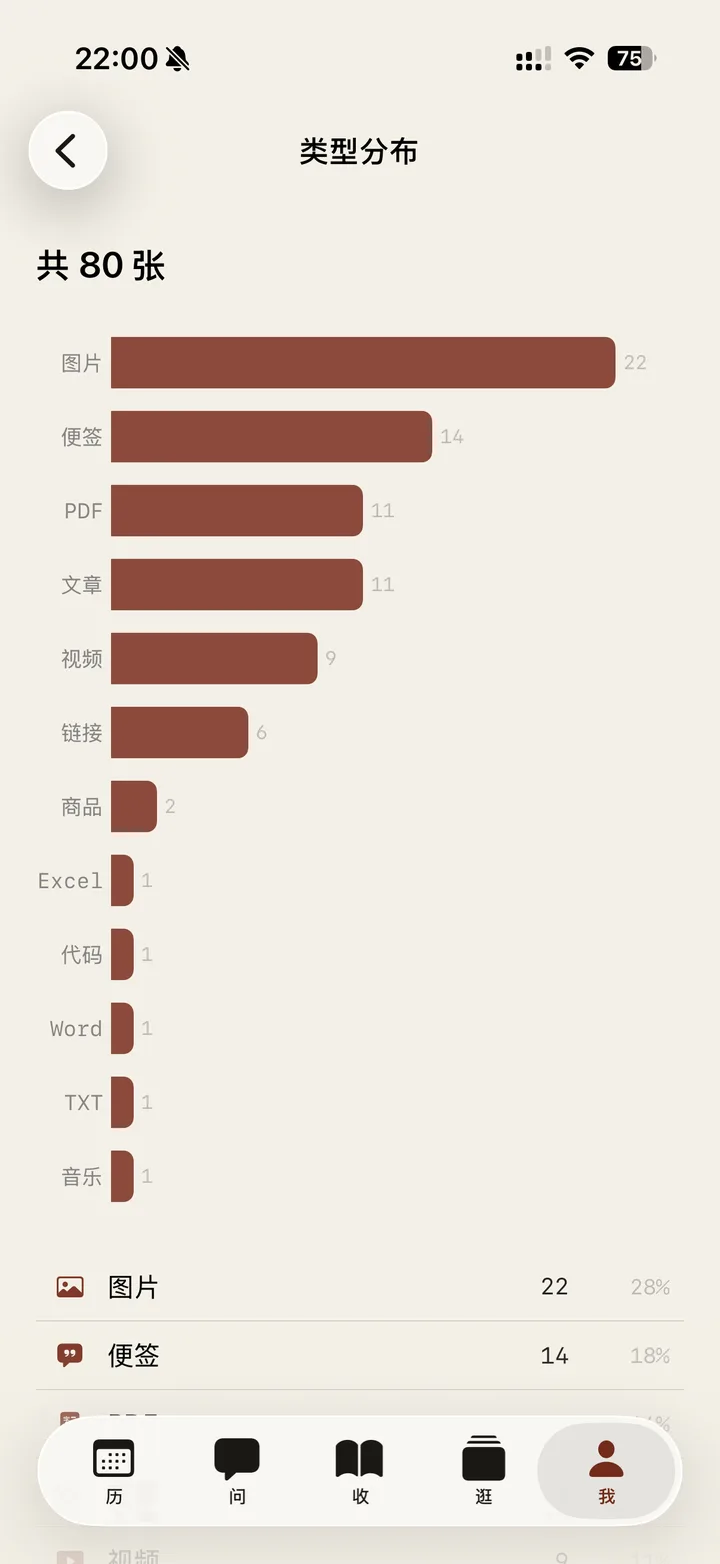
  • 订阅了,照片视频语音的原件也存云端、换设备能取;不订阅,本地照样用。With Premium, original photos, videos and voice notes live in the cloud and follow you across devices; without it, everything still works locally.
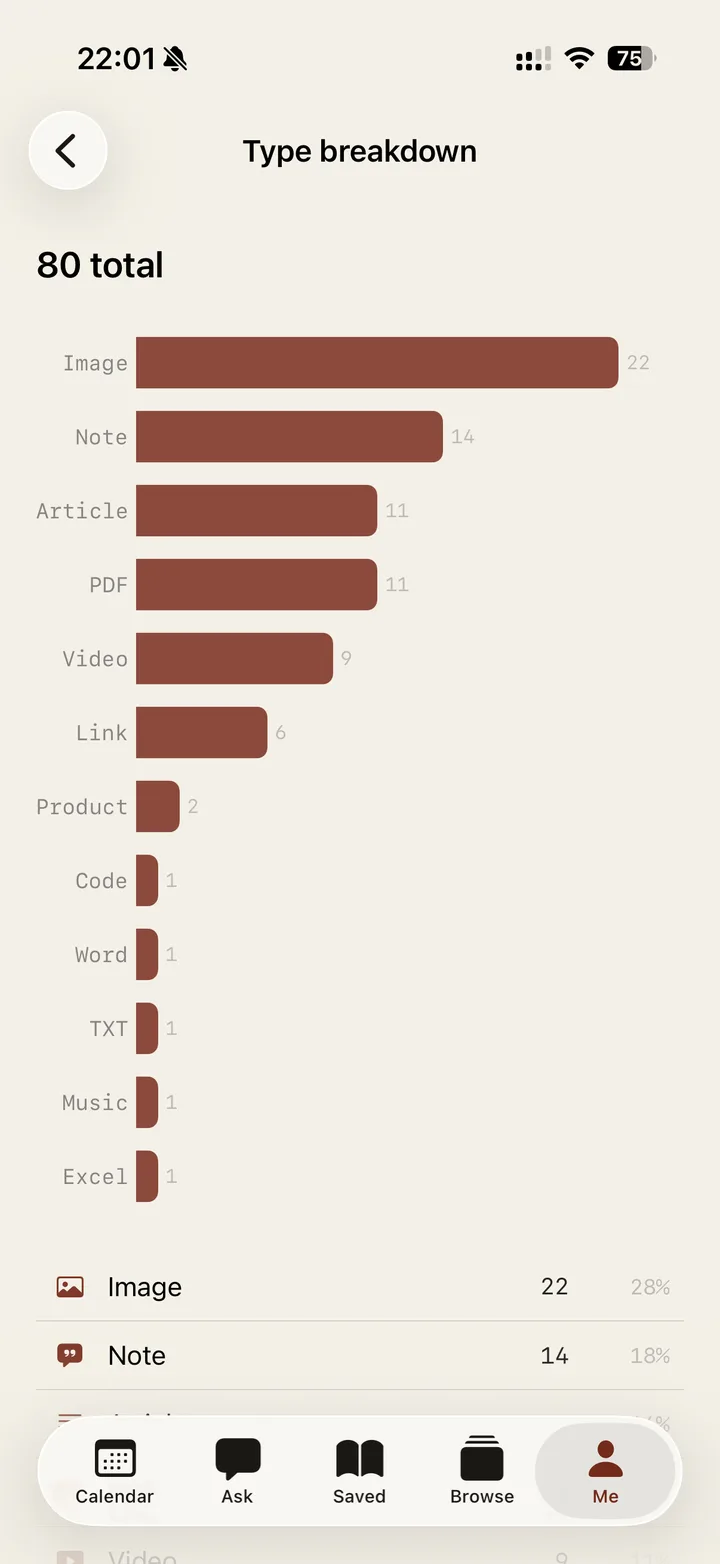
我 · 订阅、画像与你的库Me — plan, profile and your library
下载随心Get Whimsy

随心,iOS 公测开放 The Whimsy iOS beta is open.